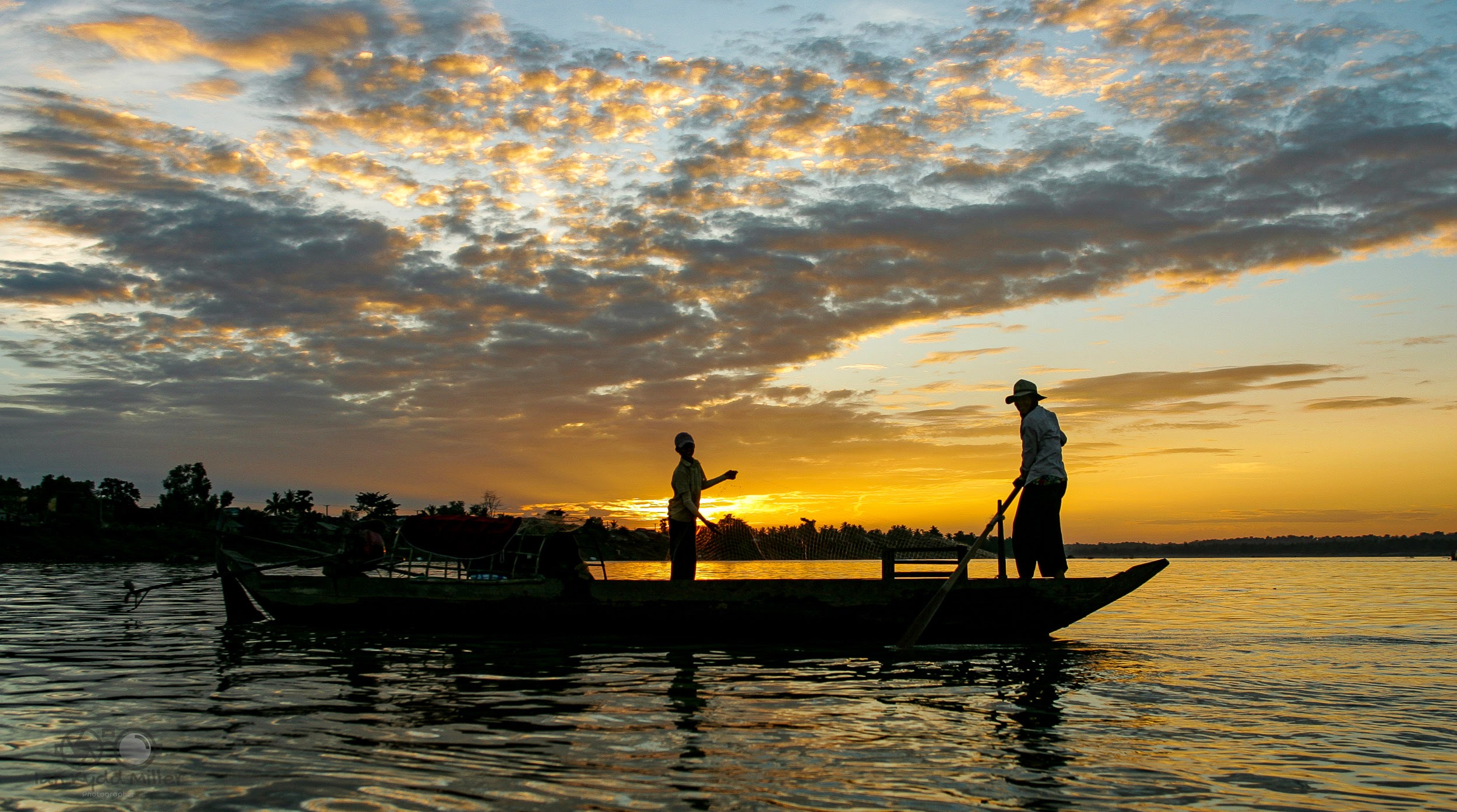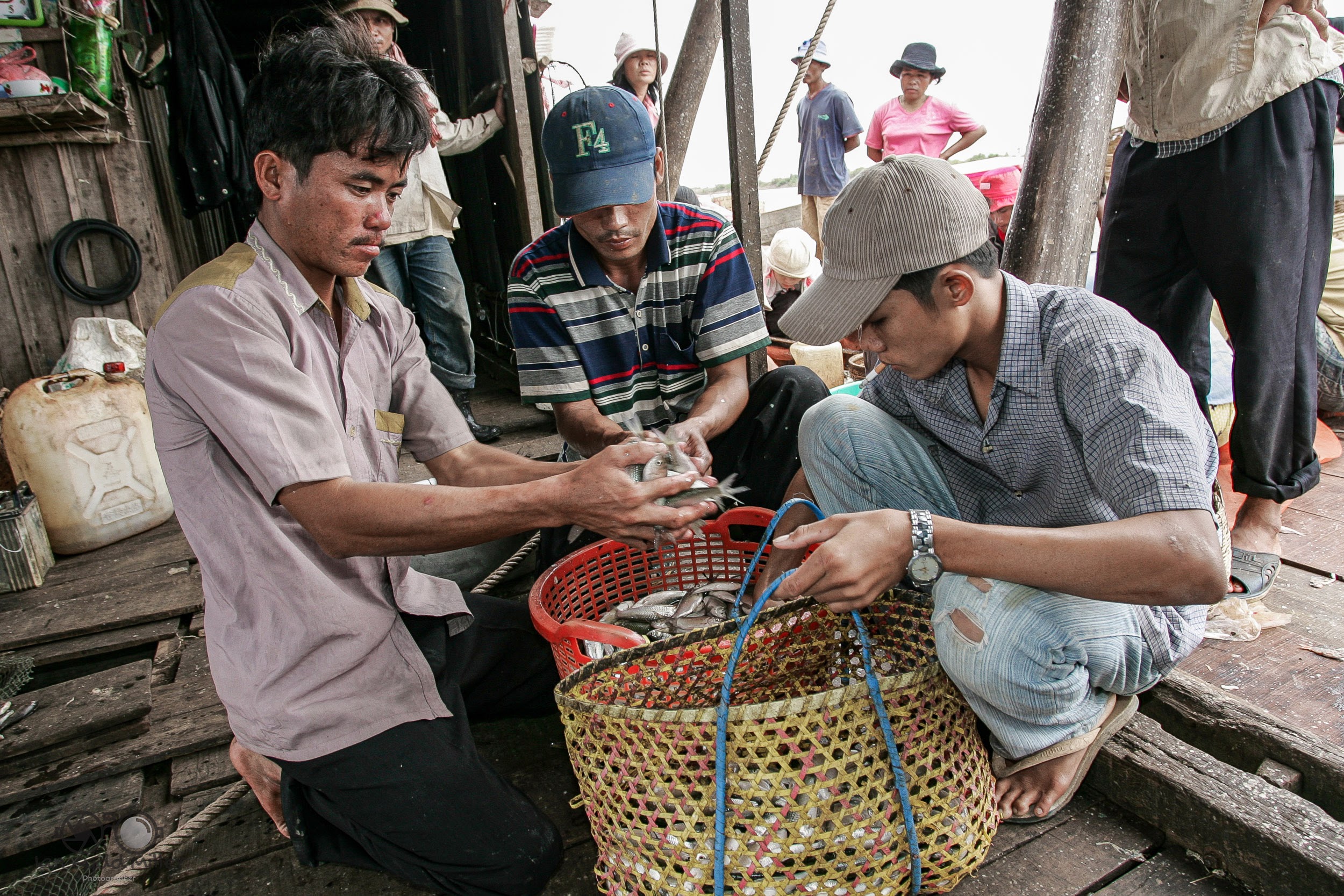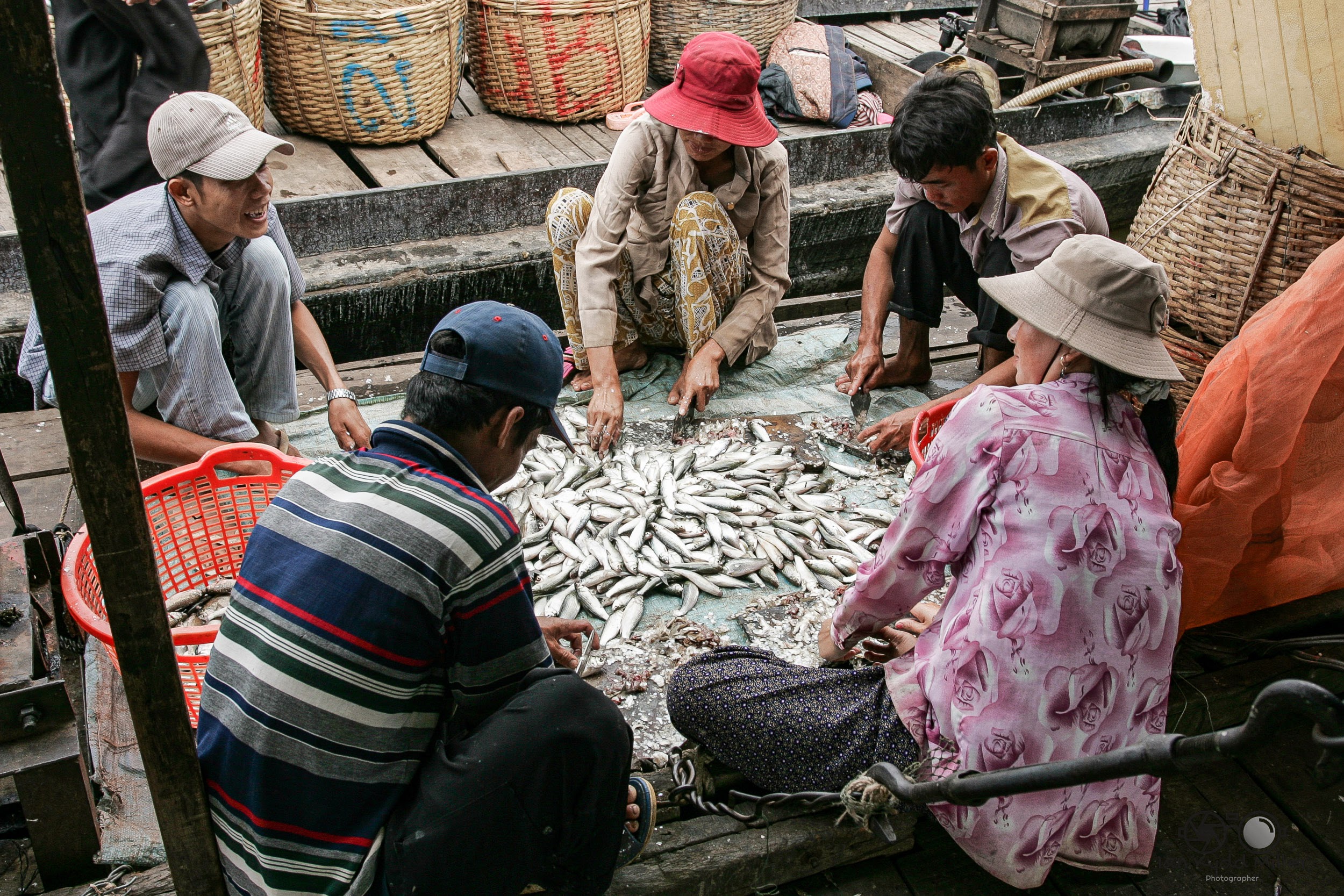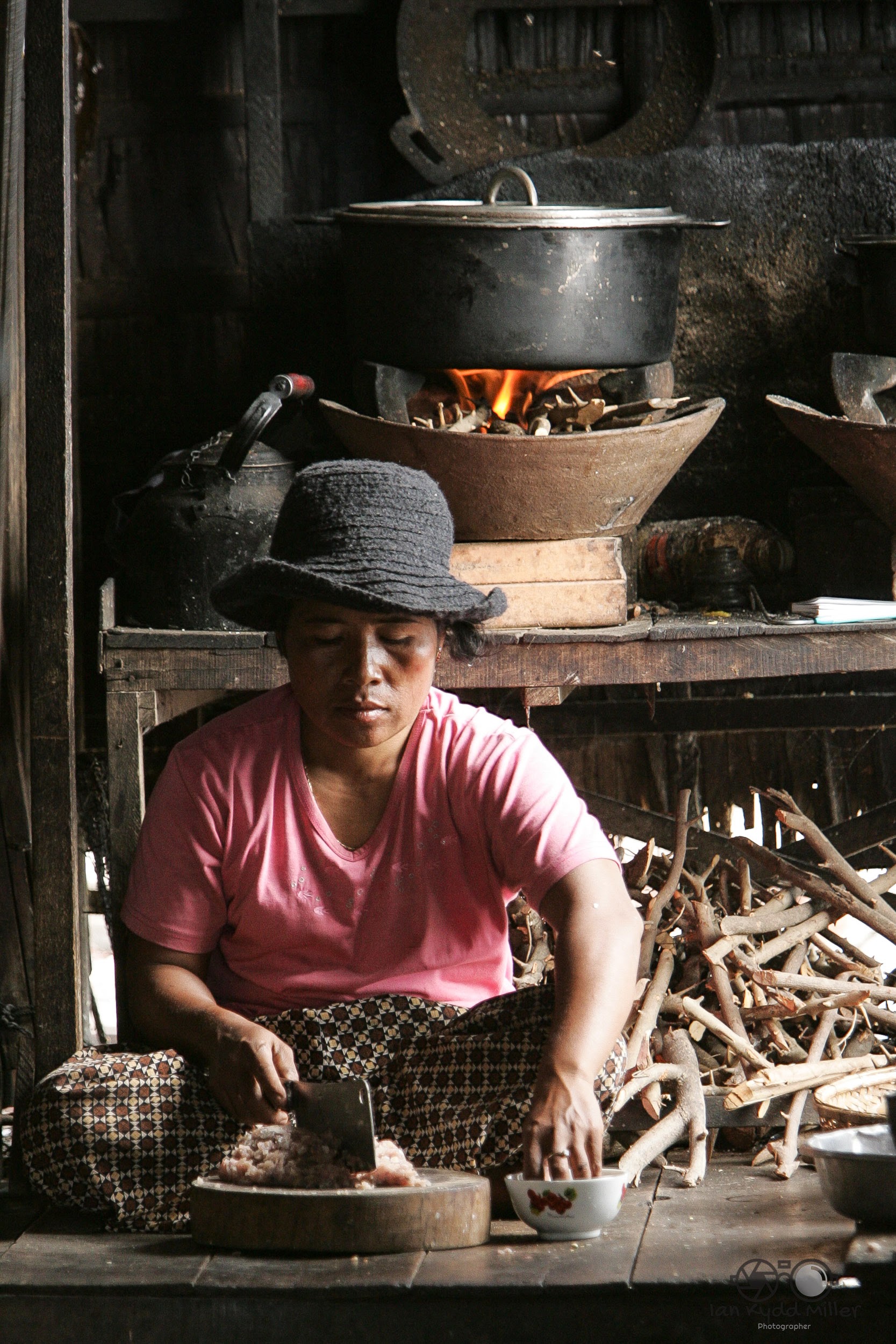
Making Black and white images

opinons, thoughts, photography, printers, printing, processing, street, Travel

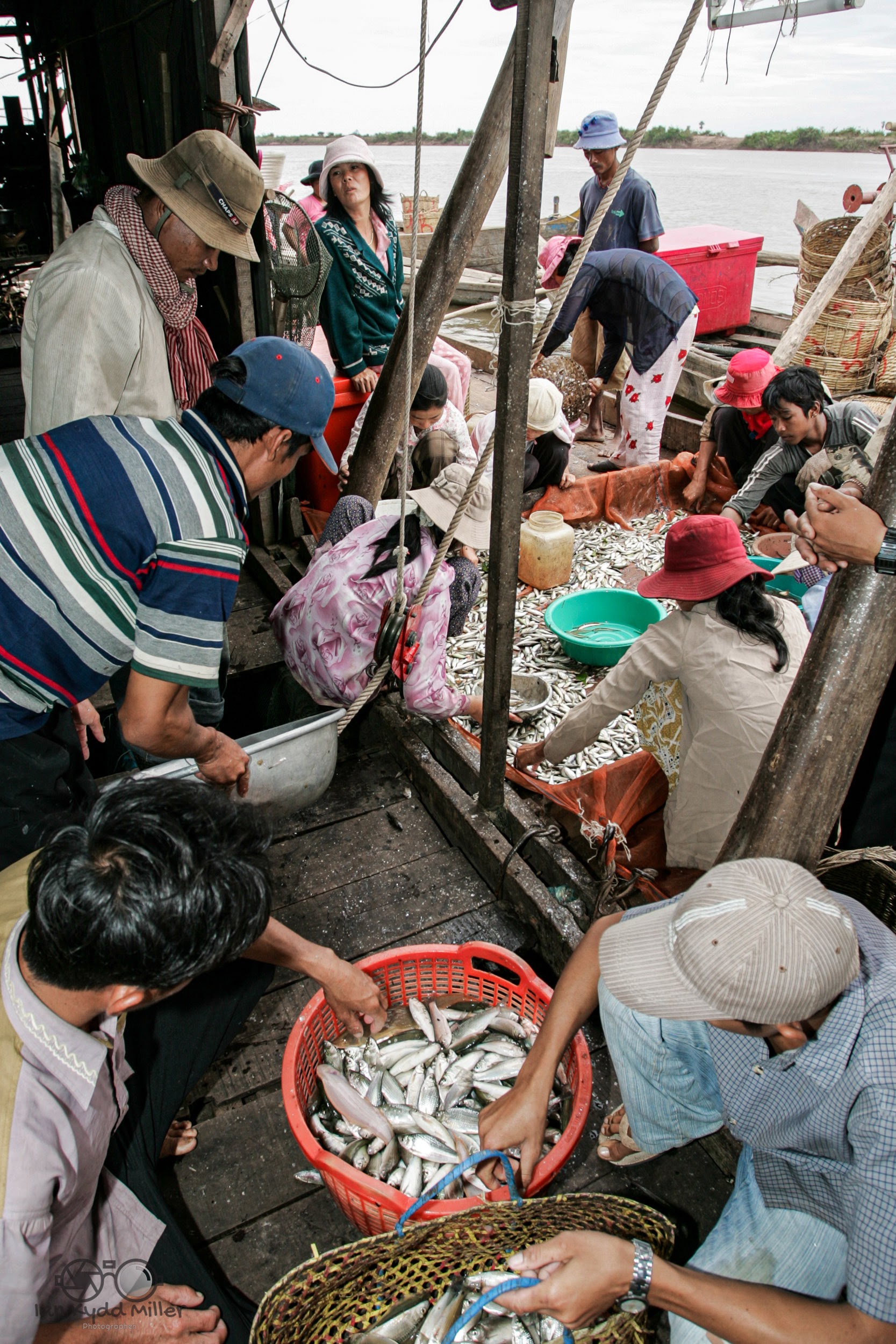
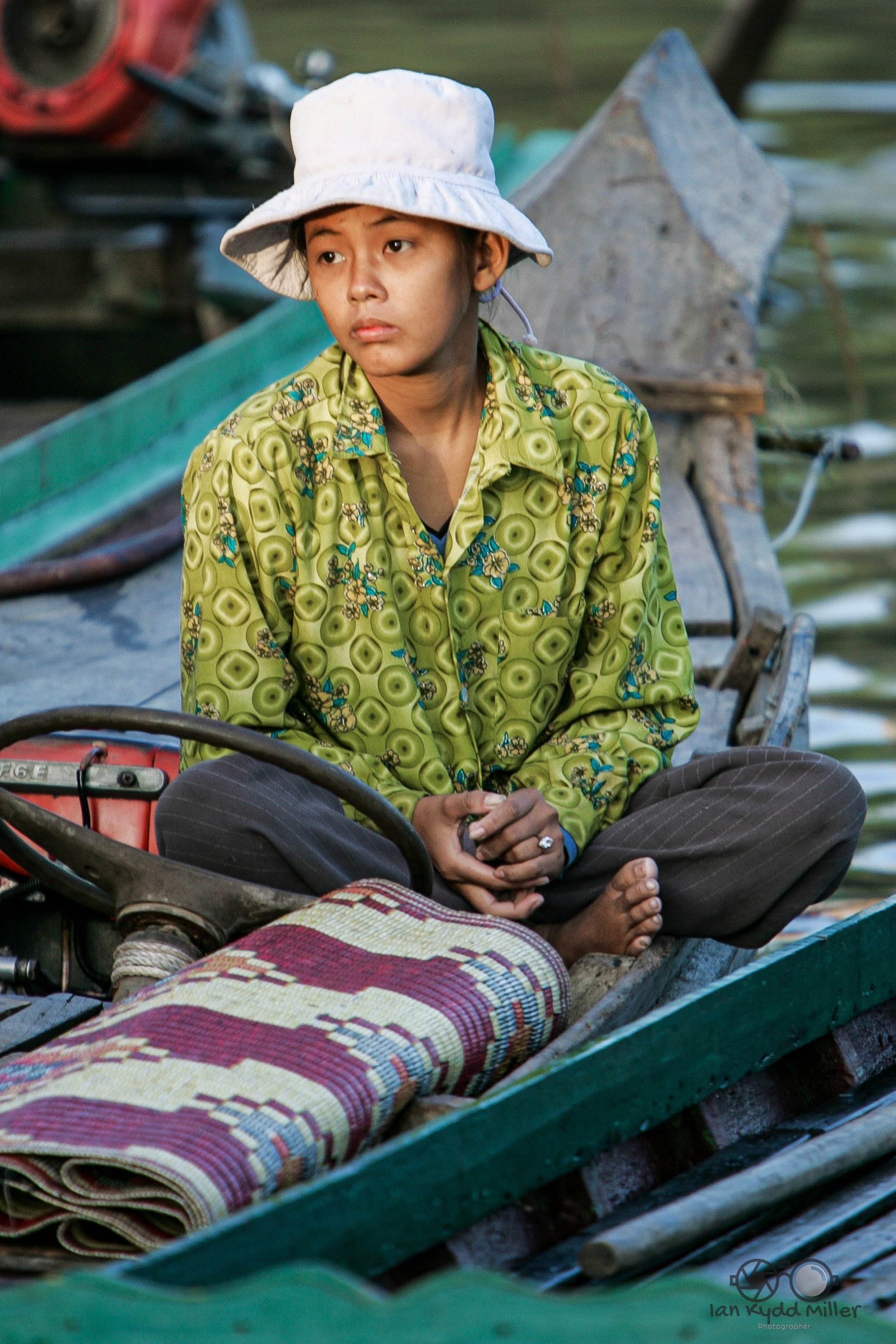
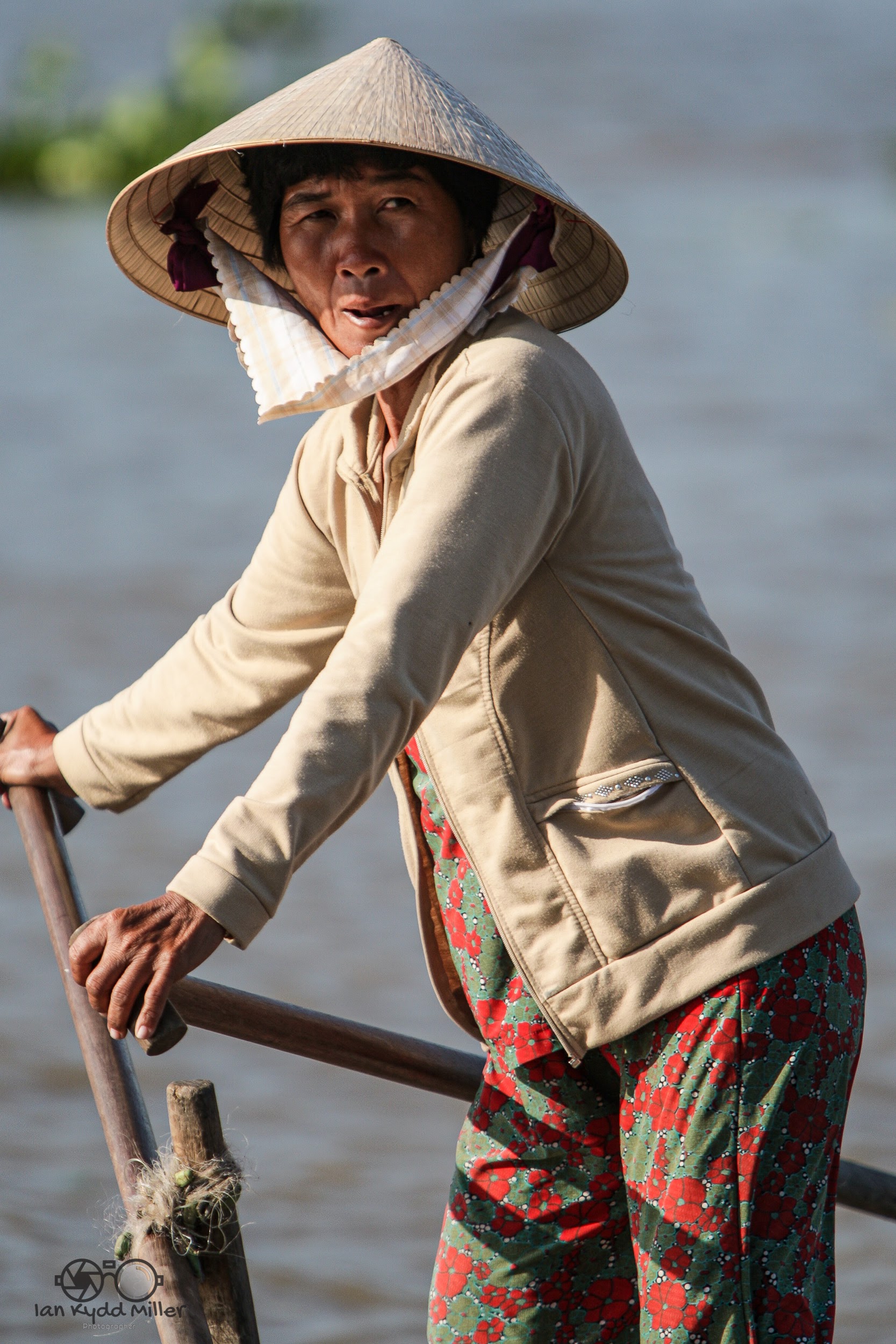
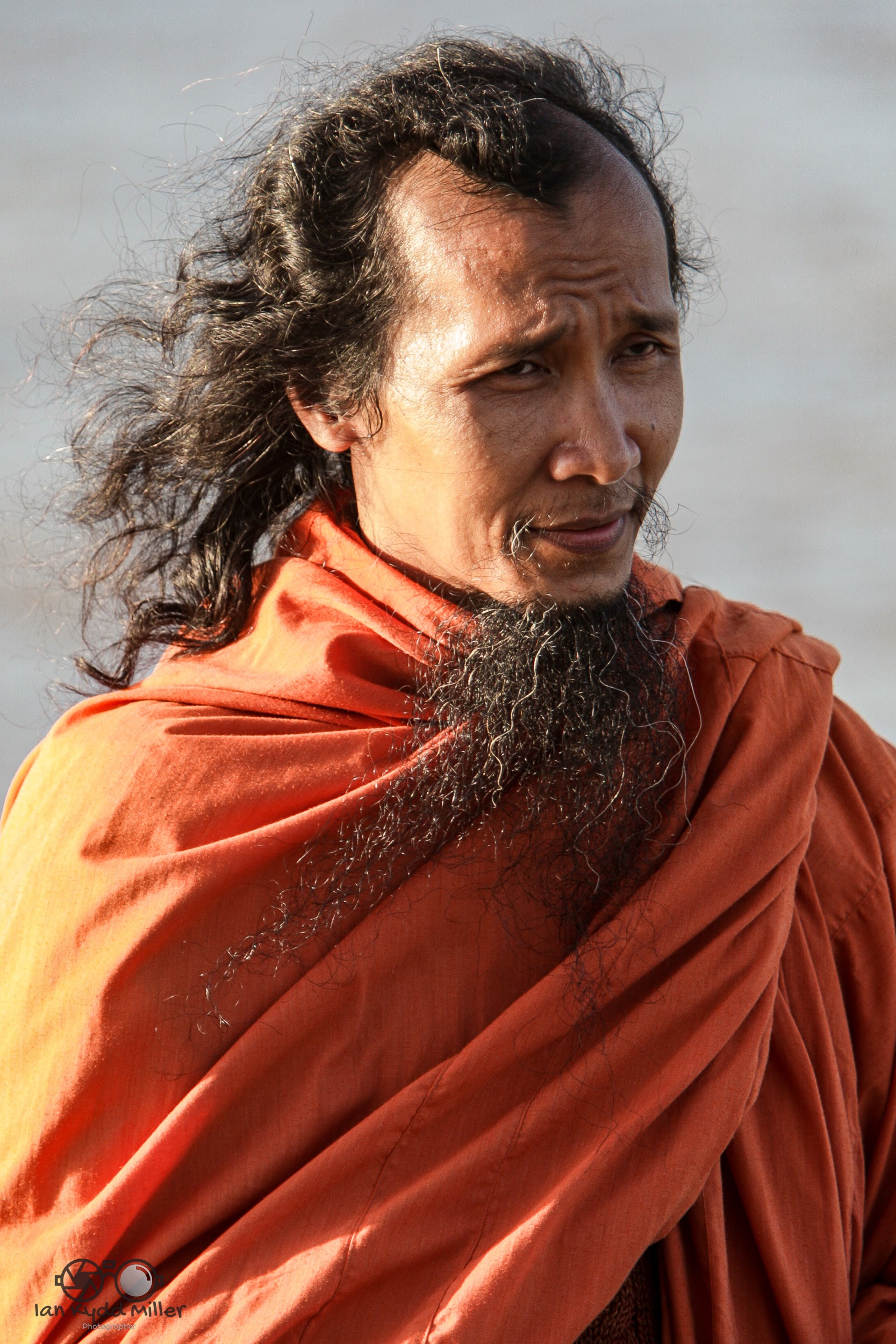
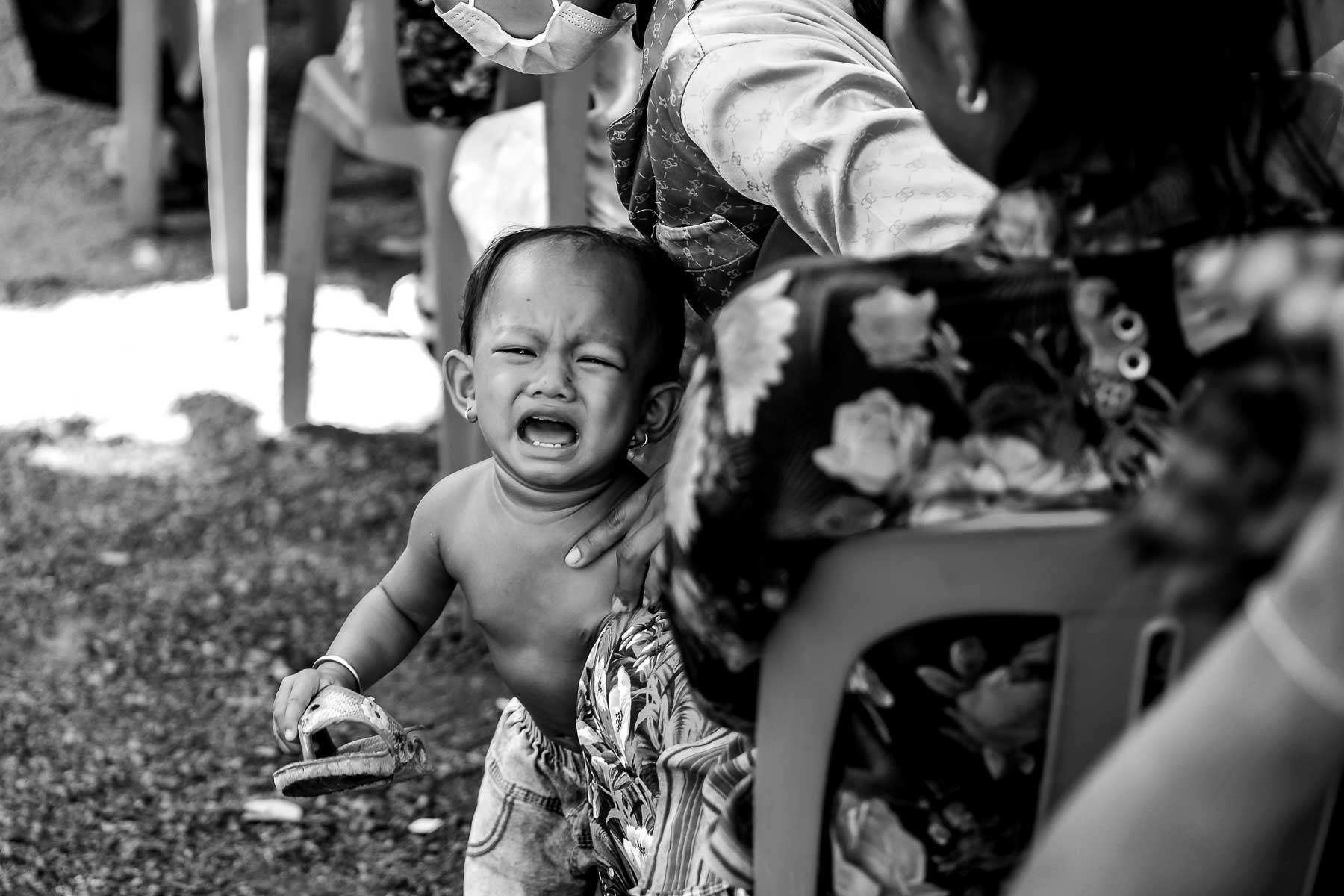
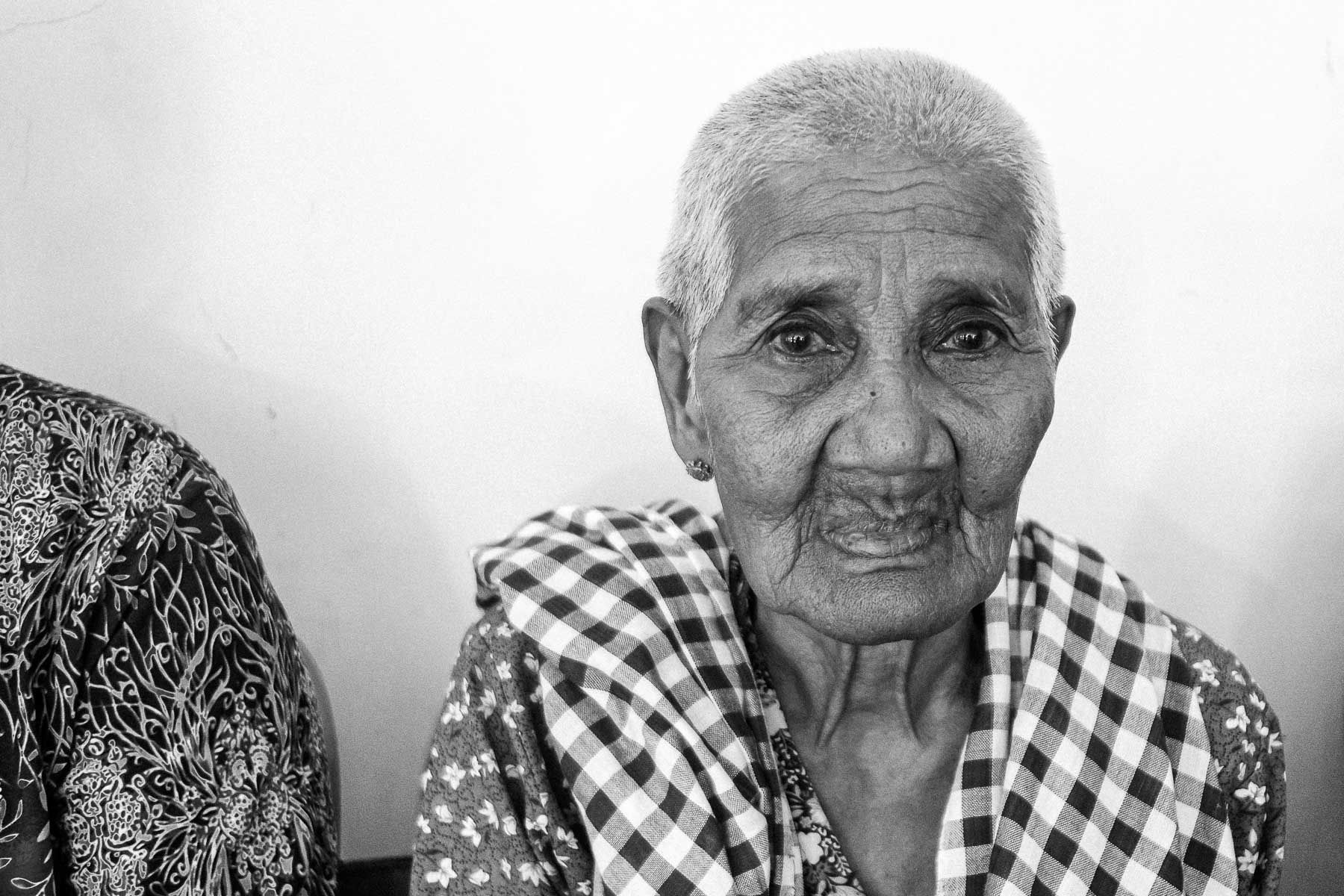
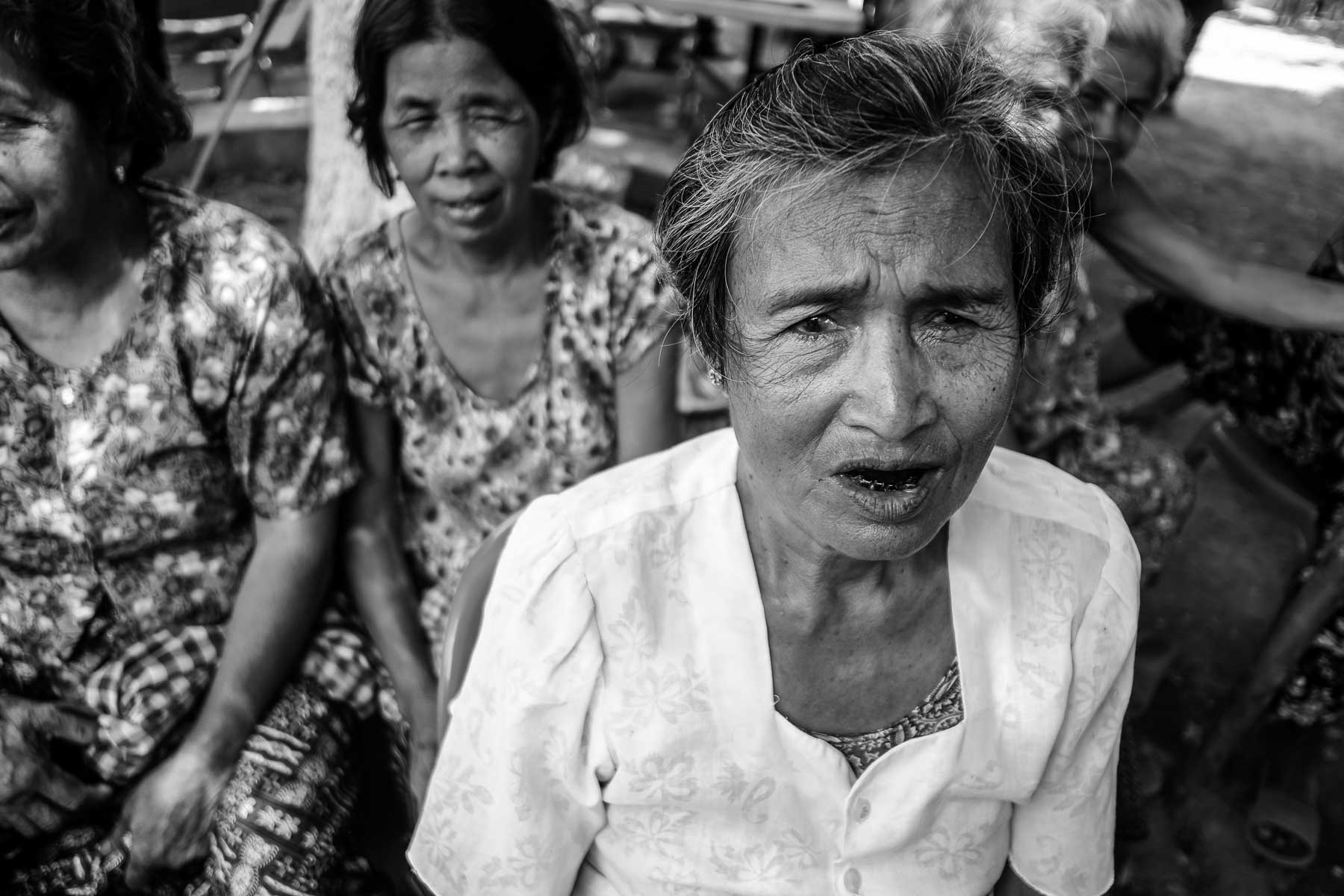
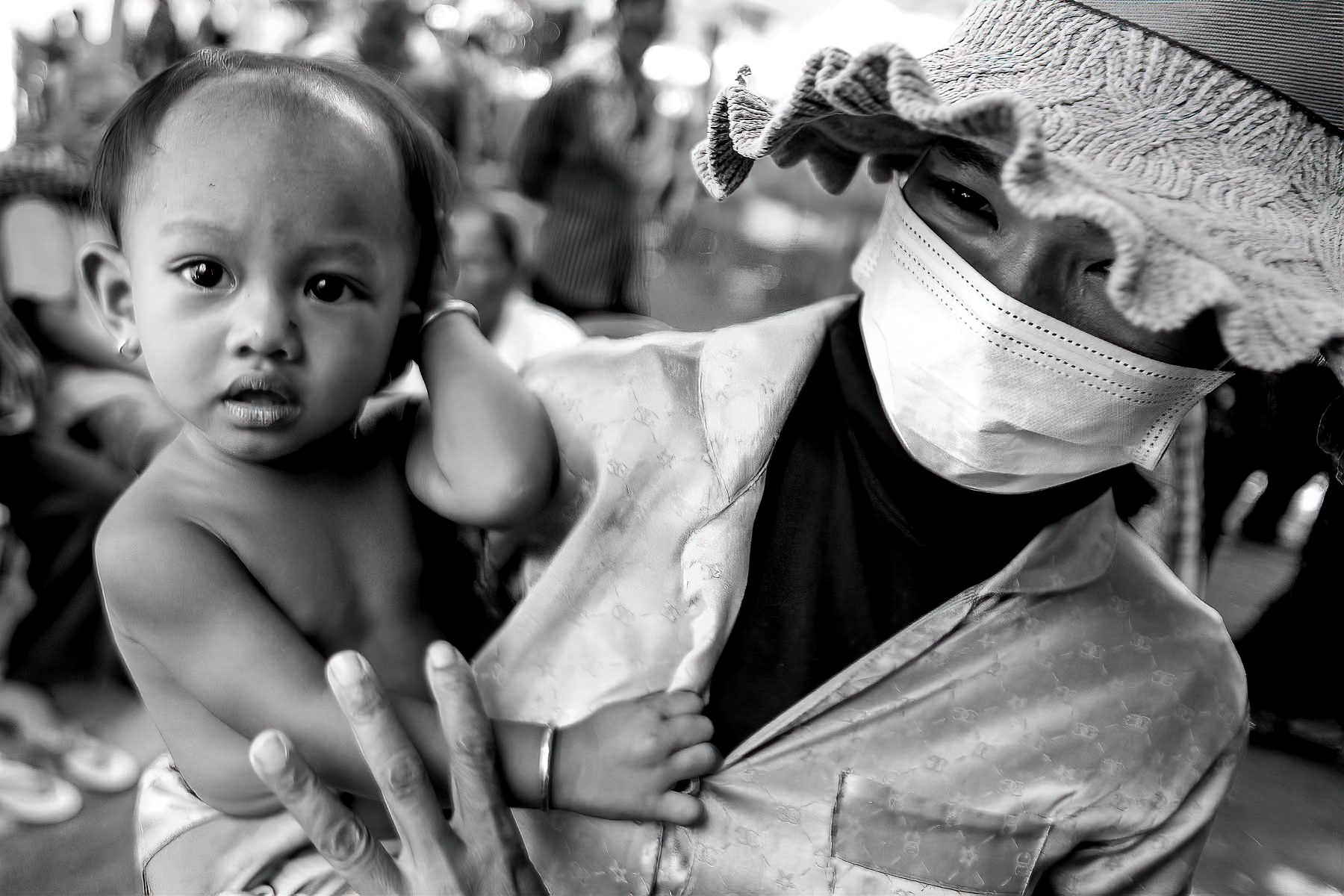
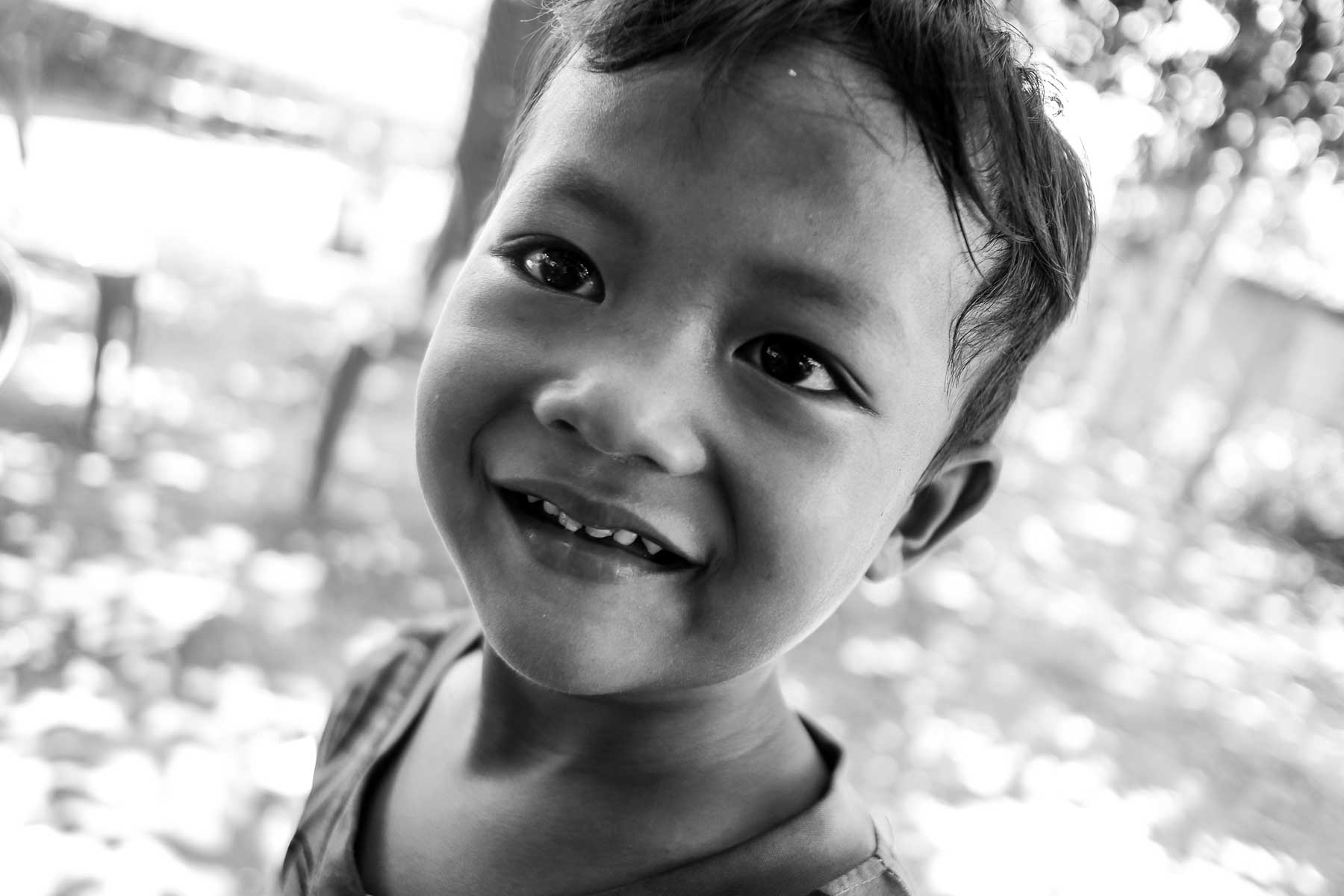
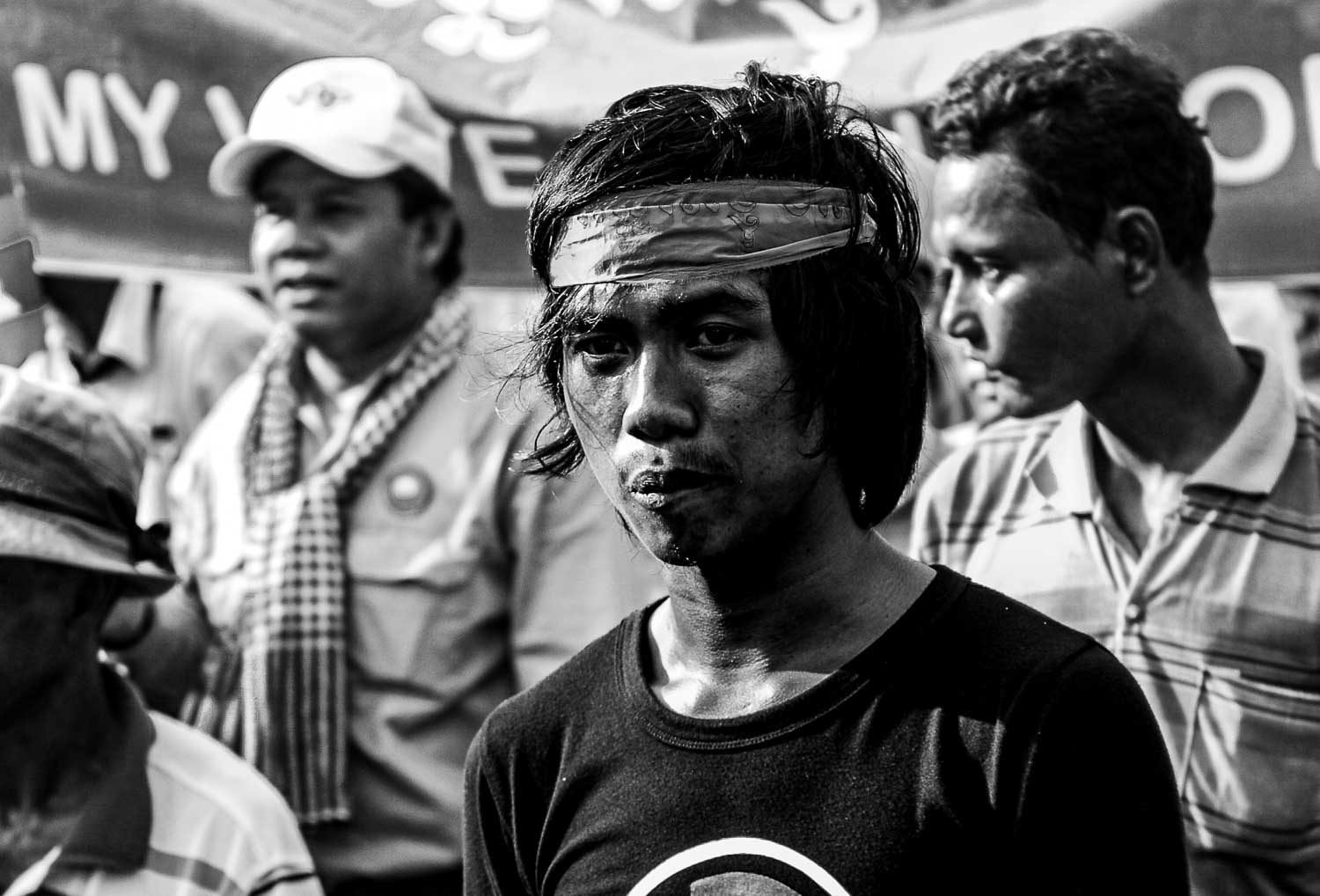
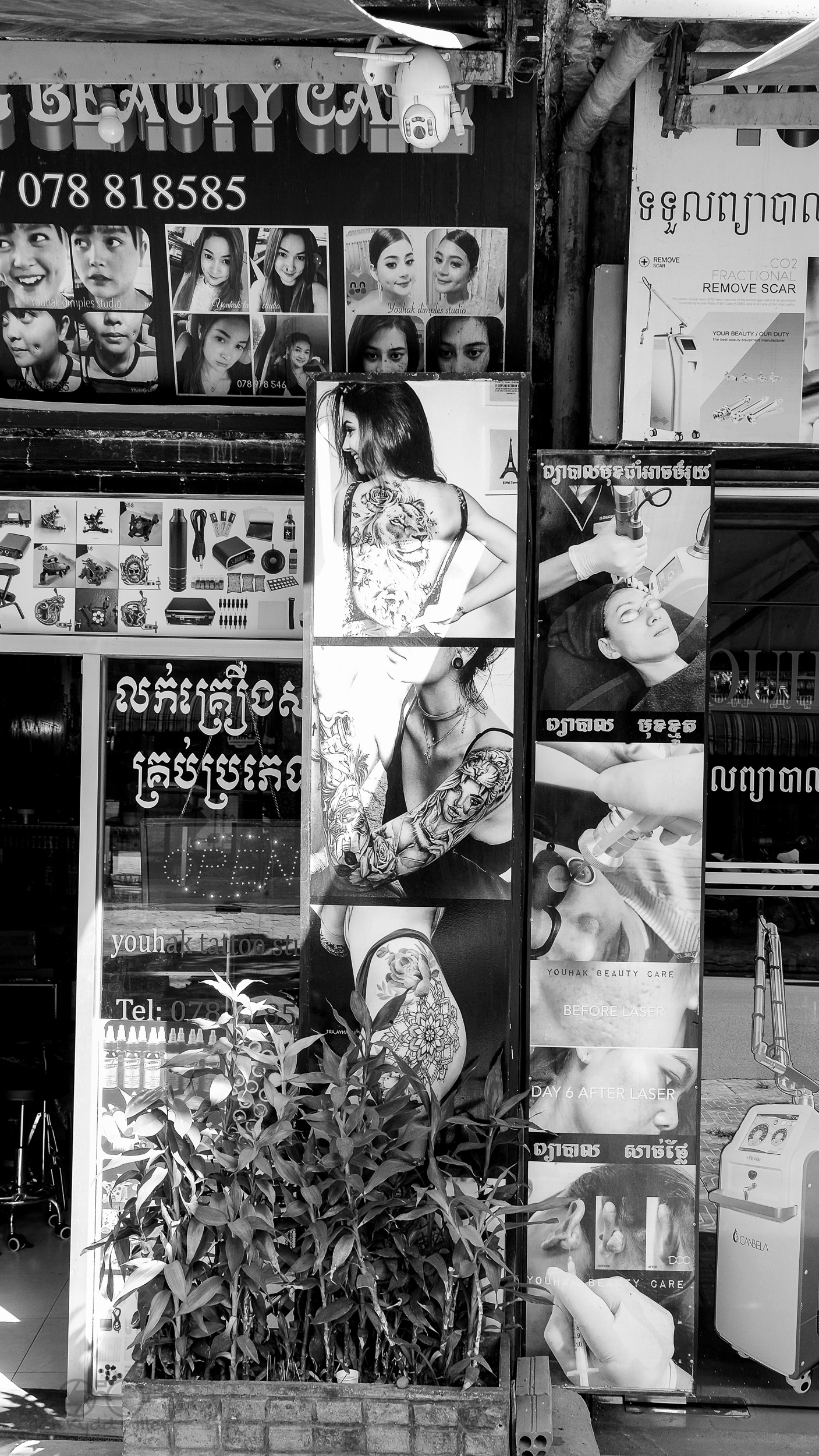
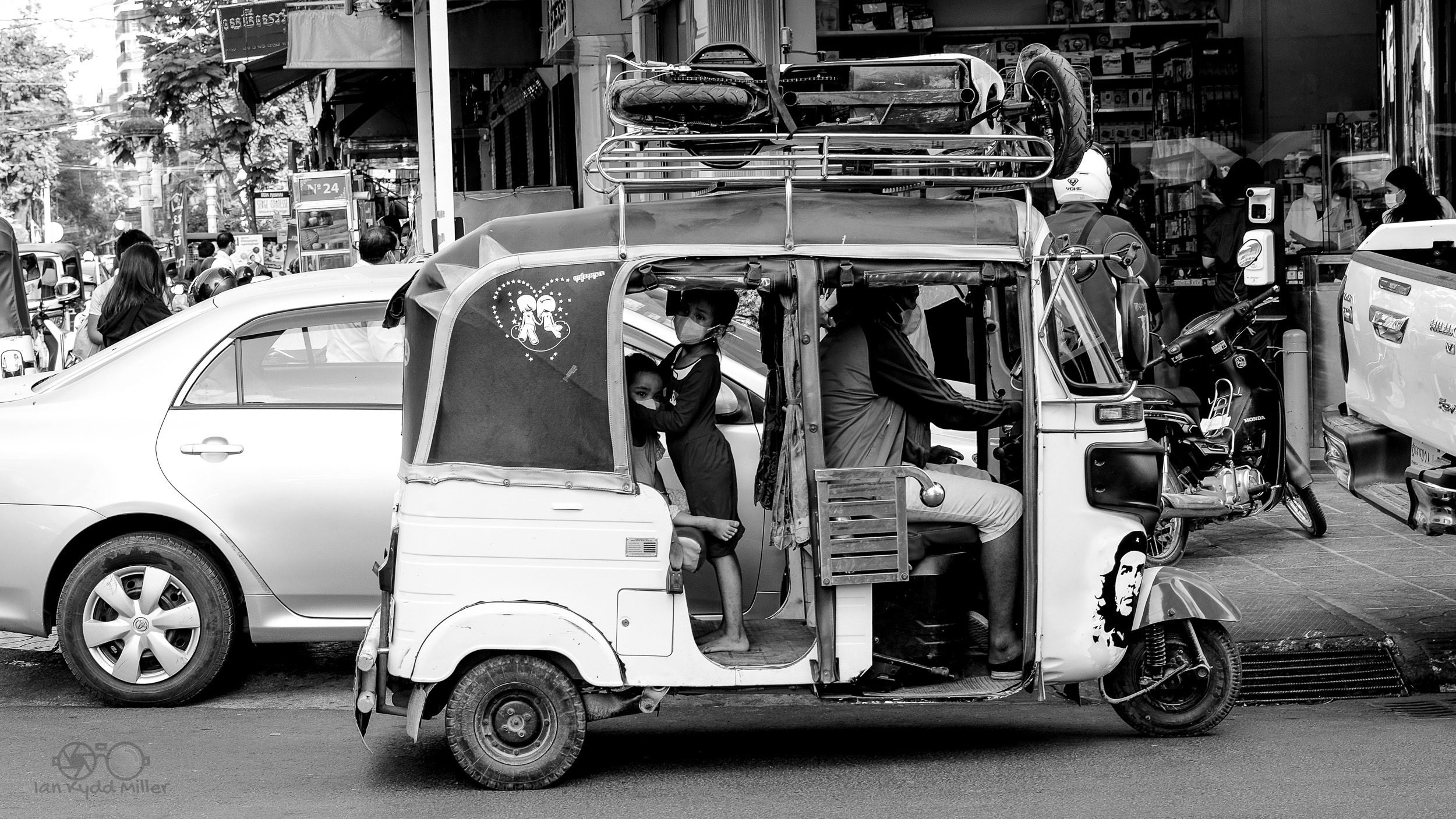
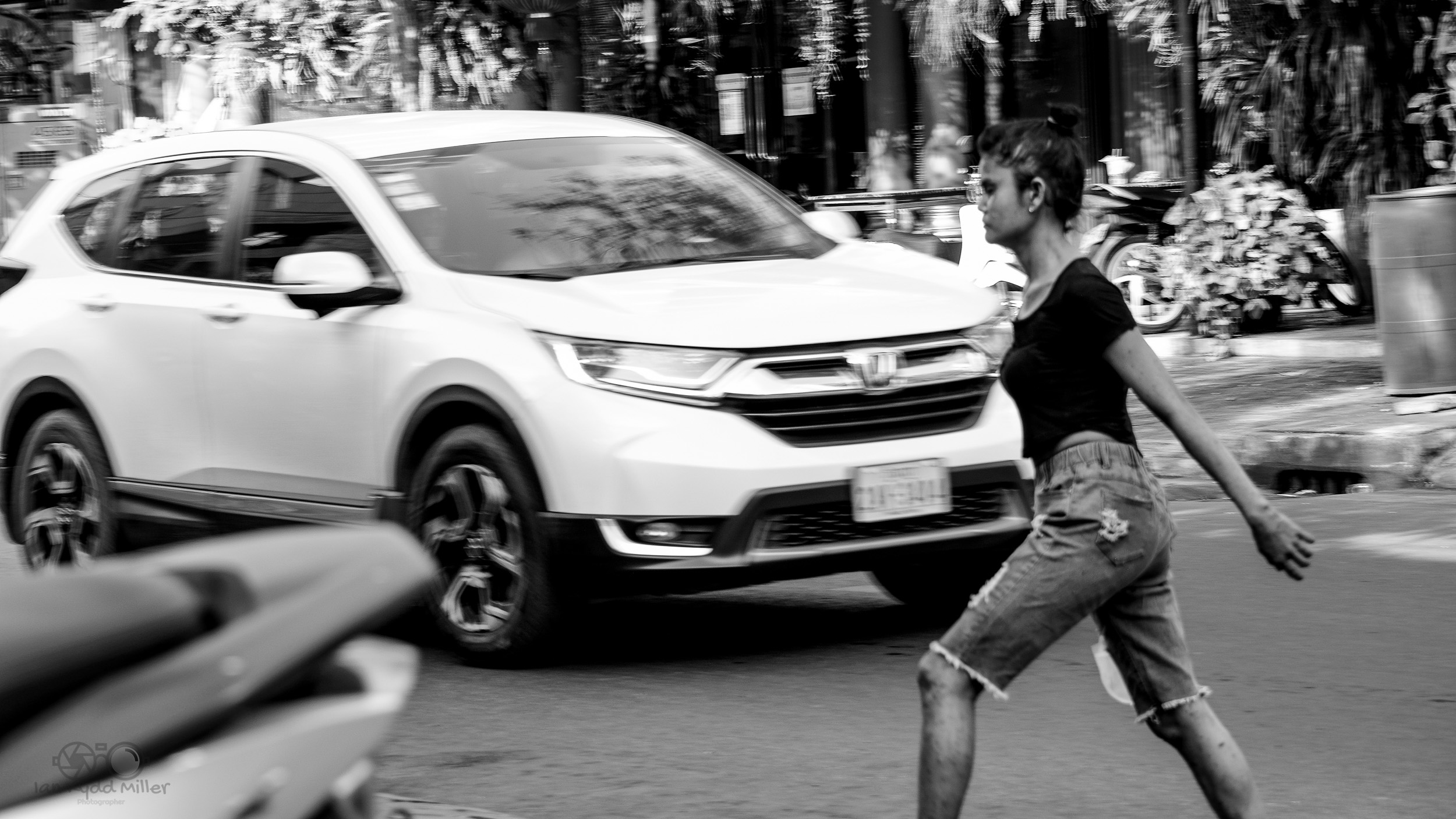
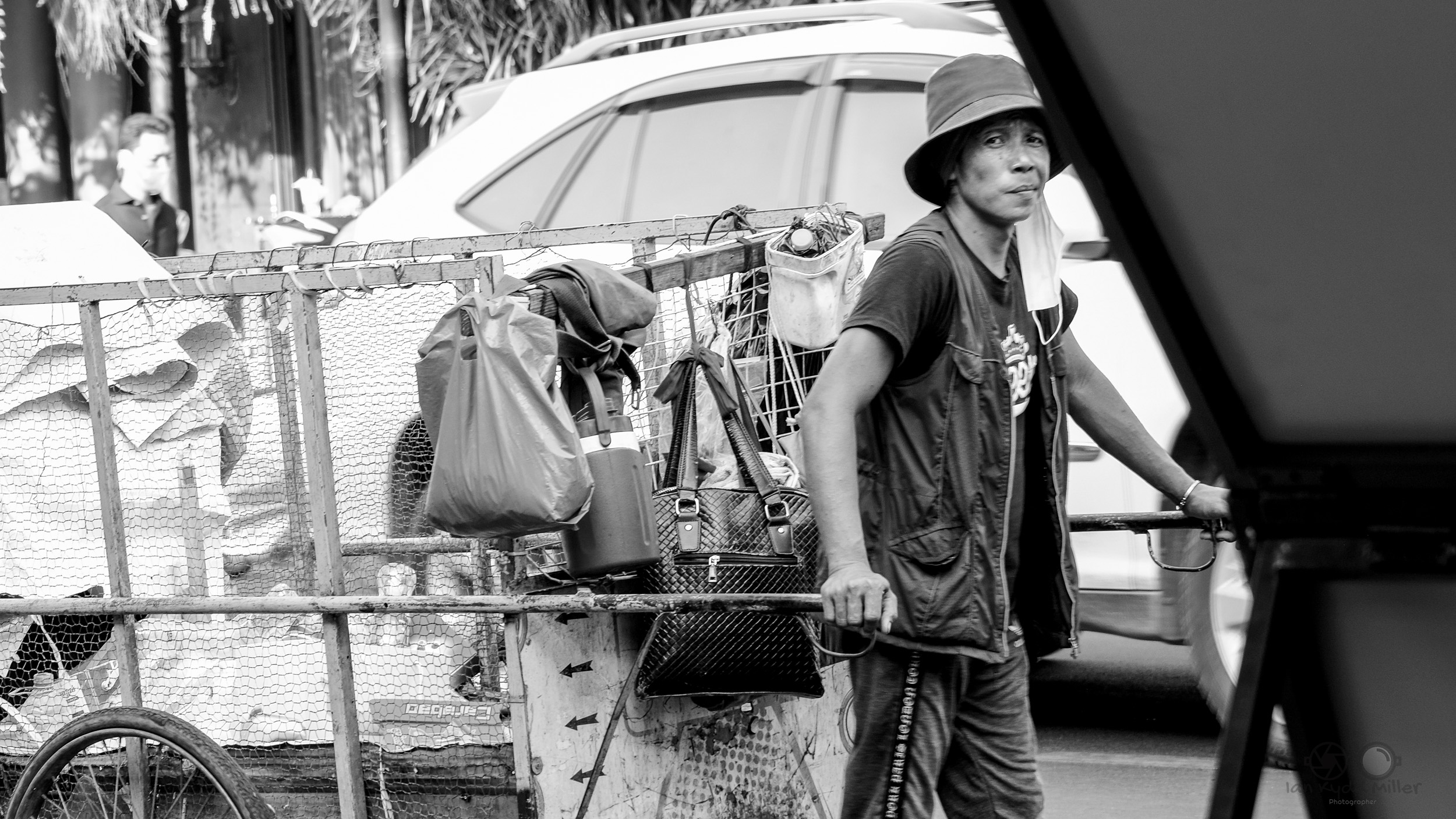
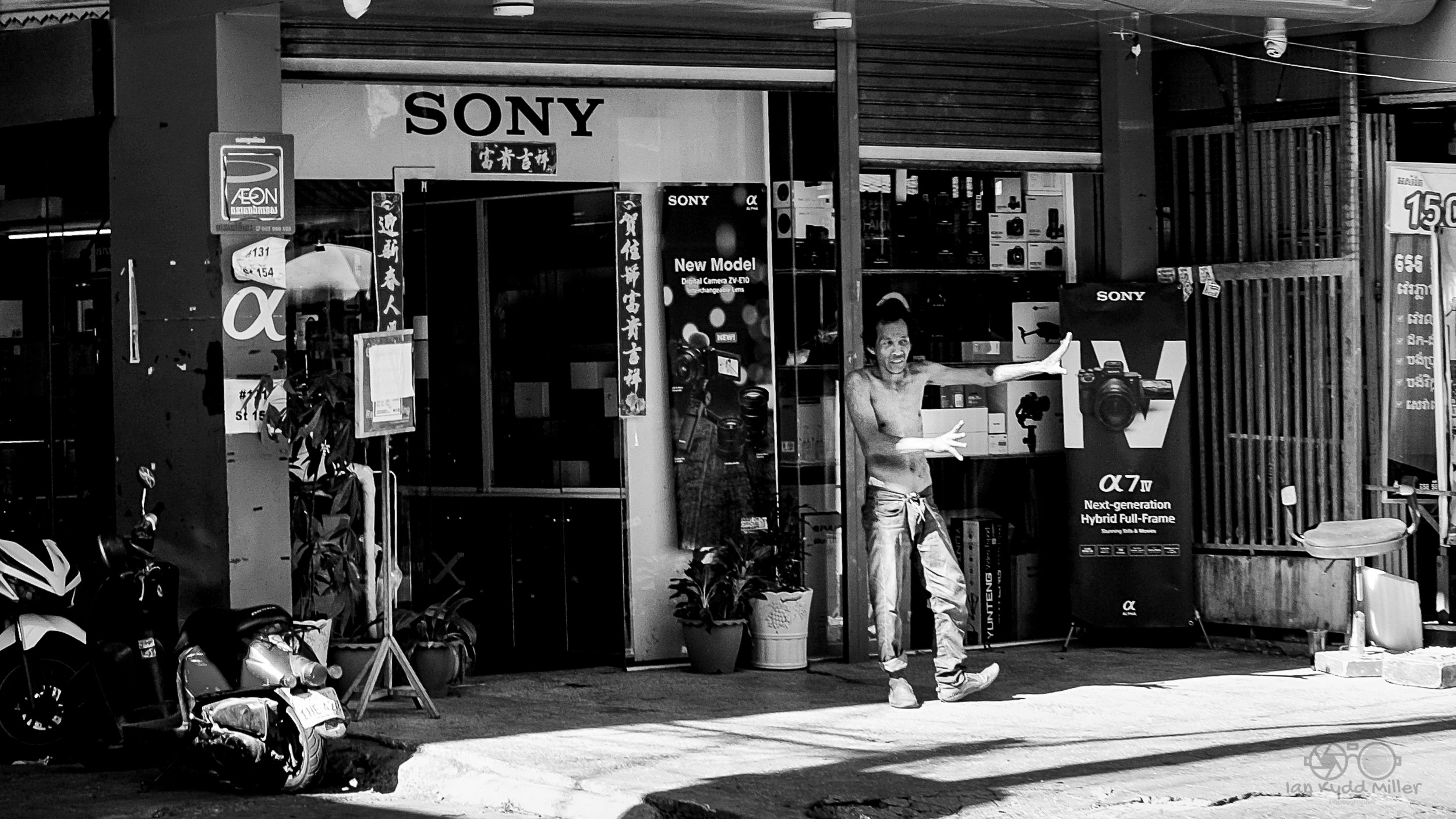
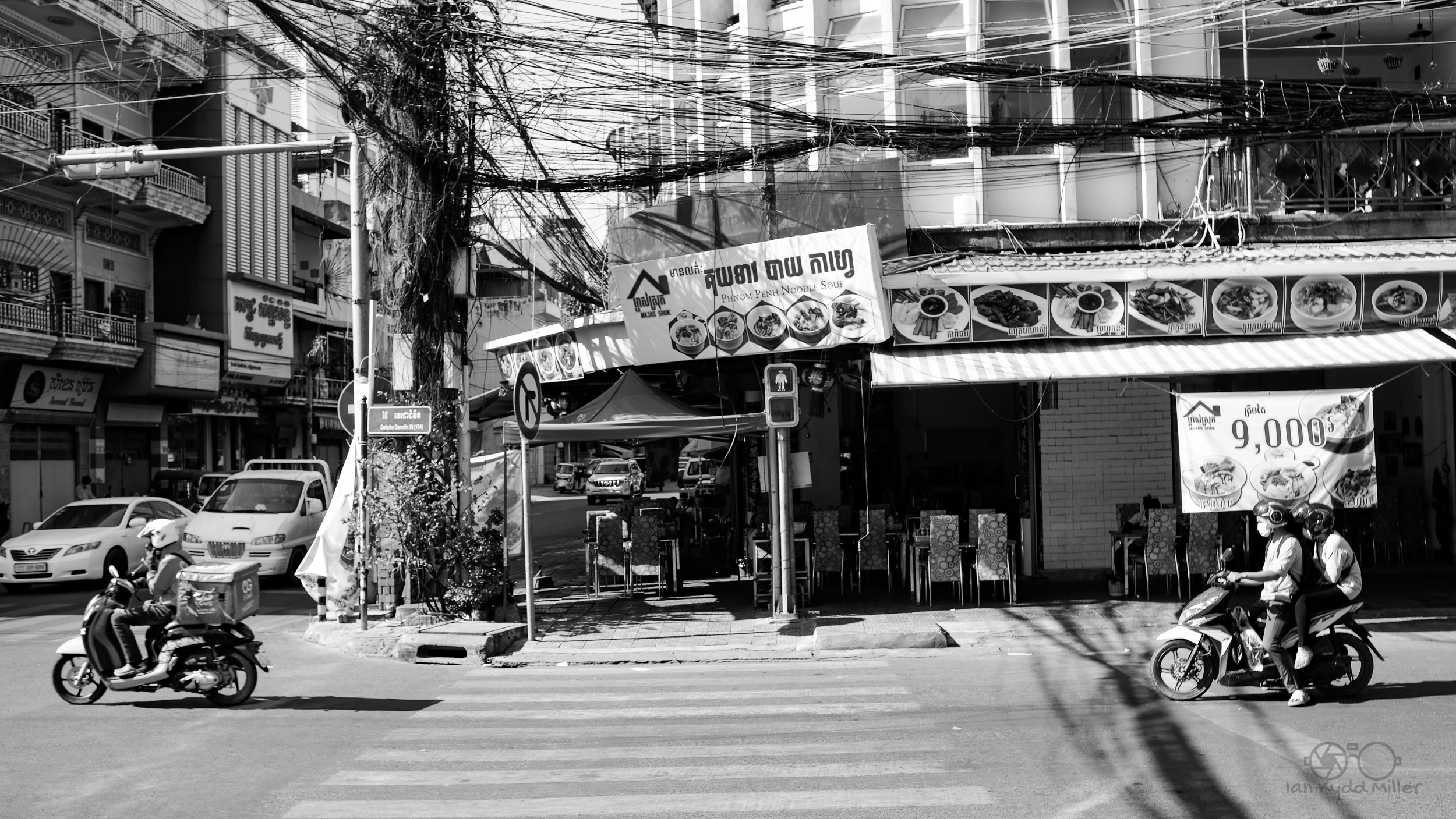
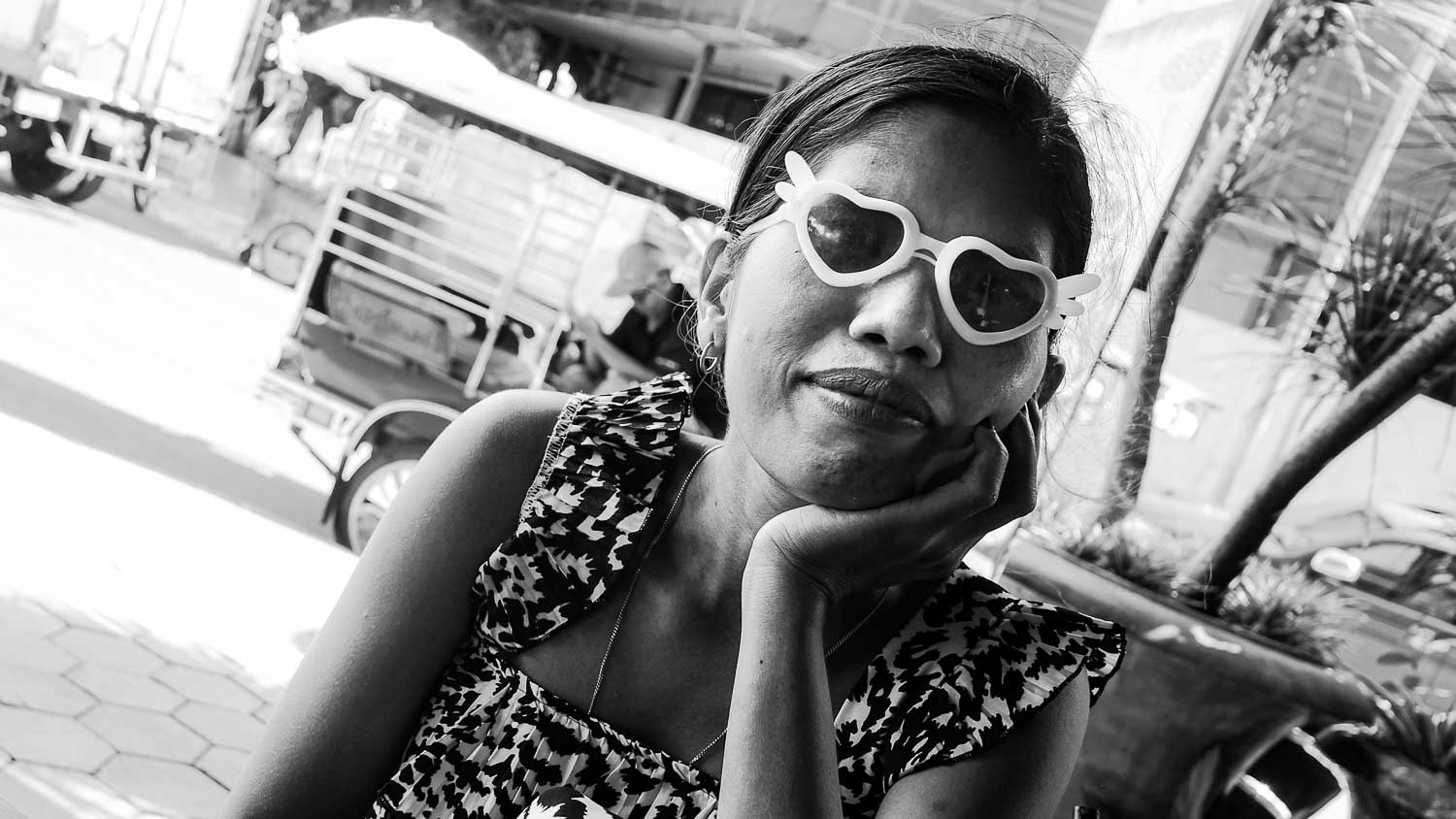
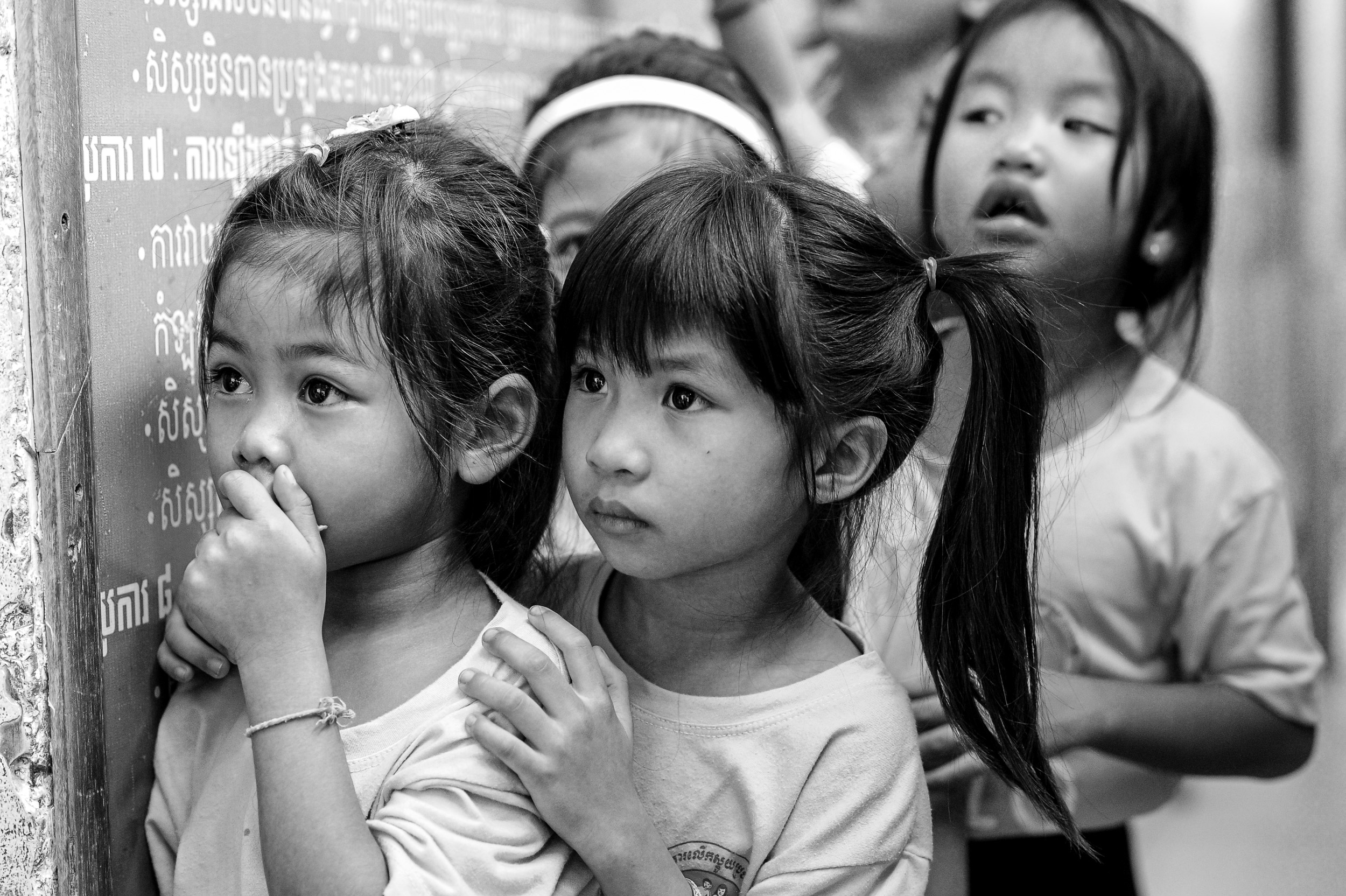
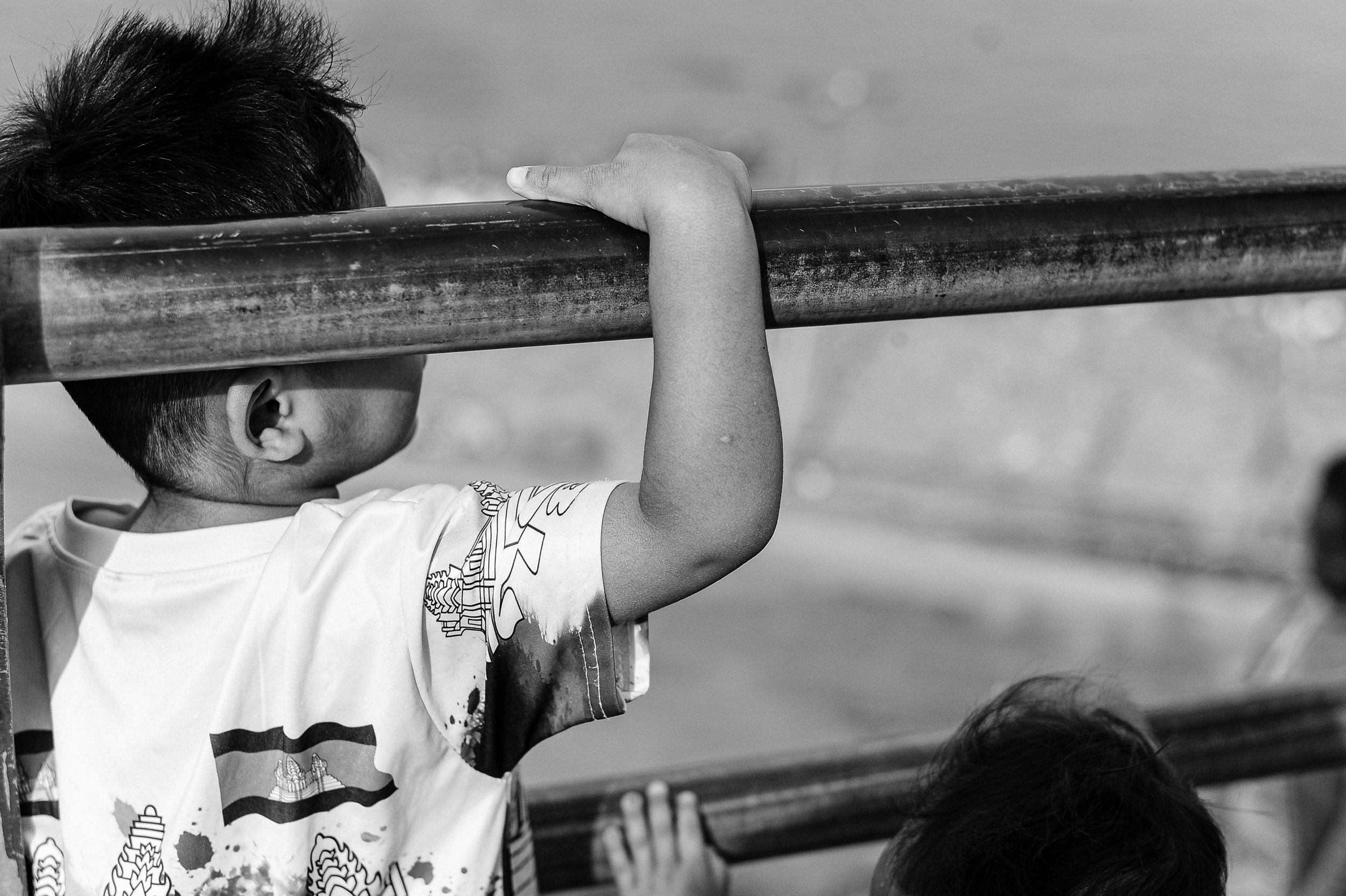
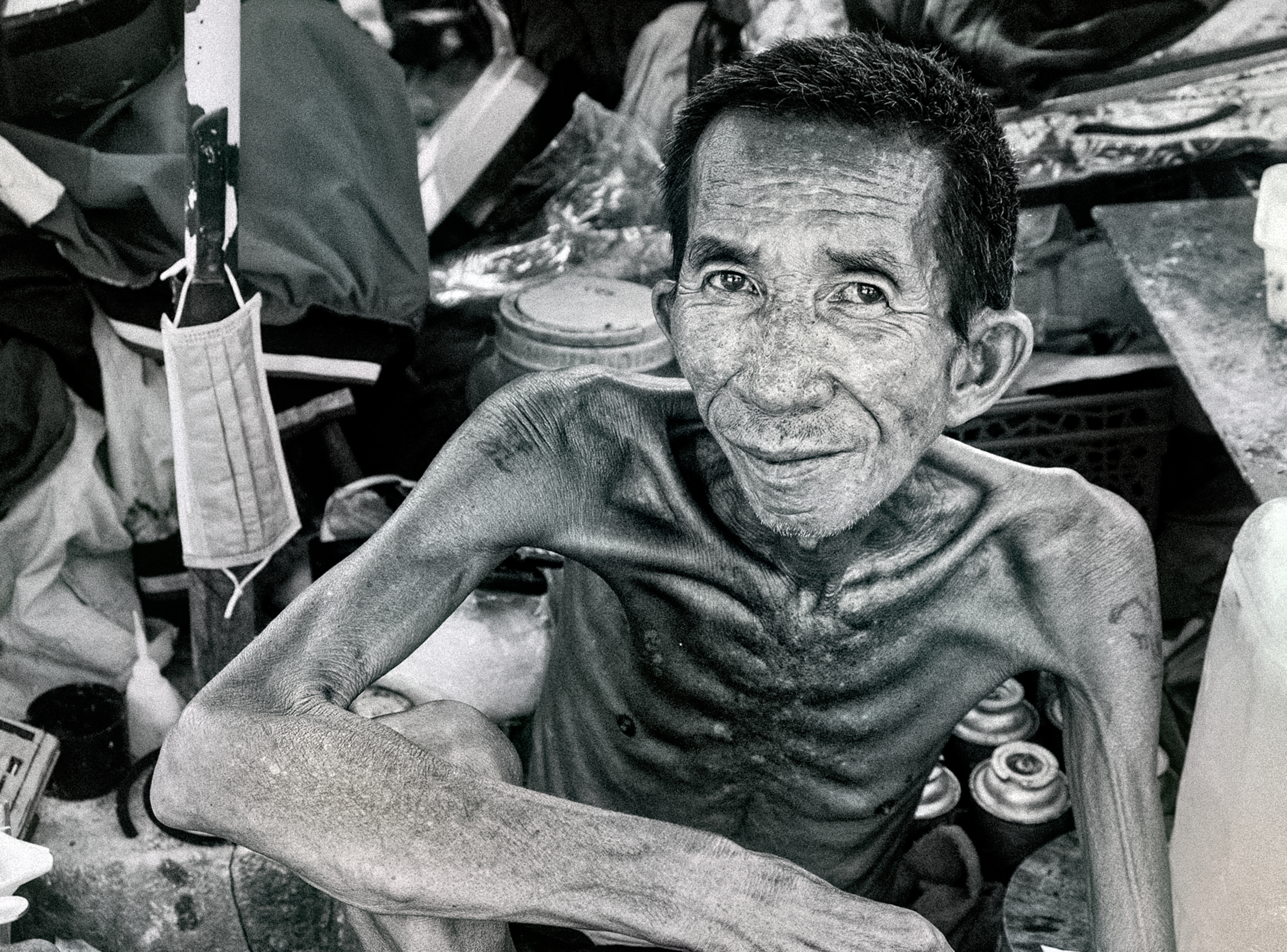
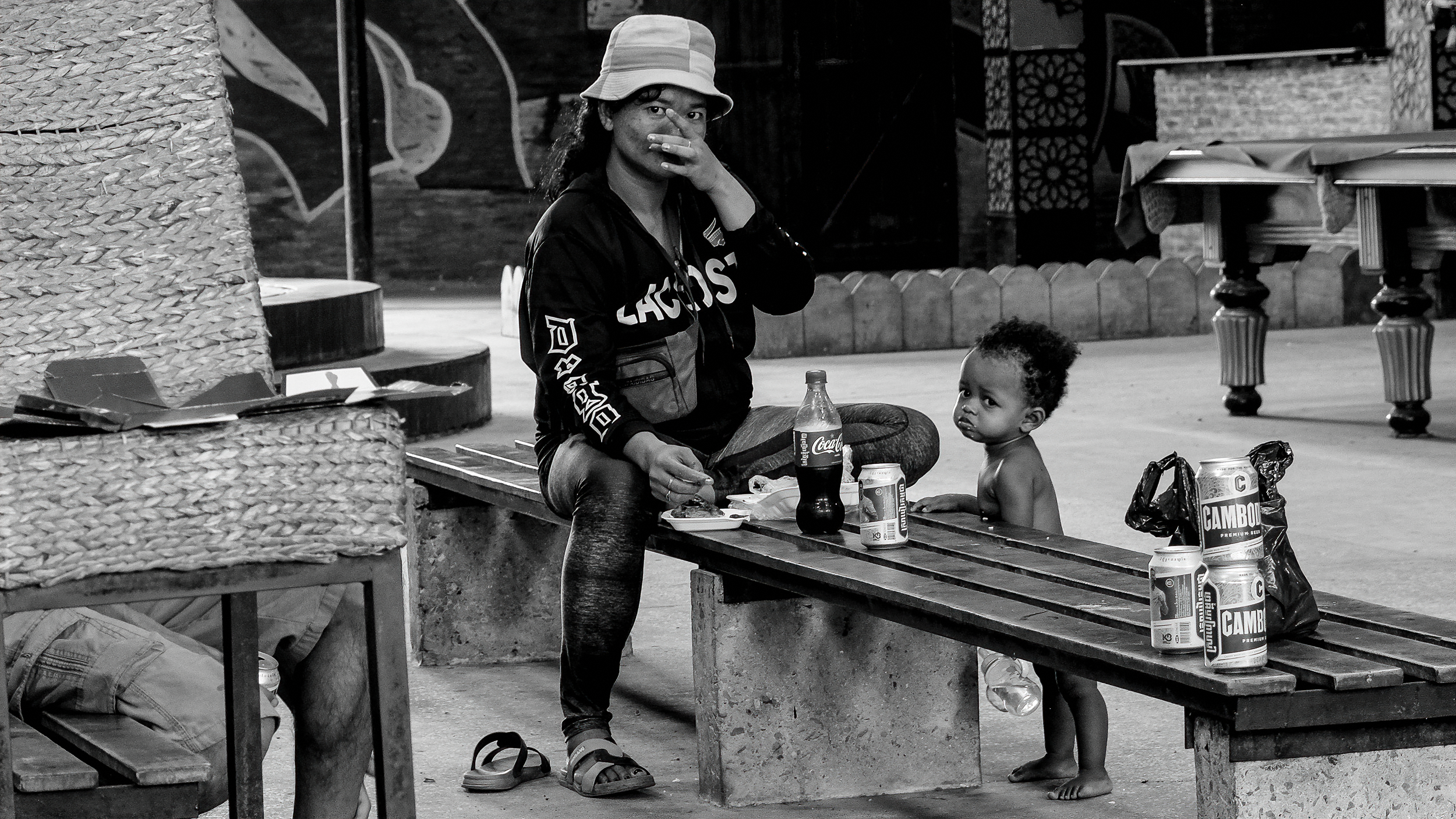
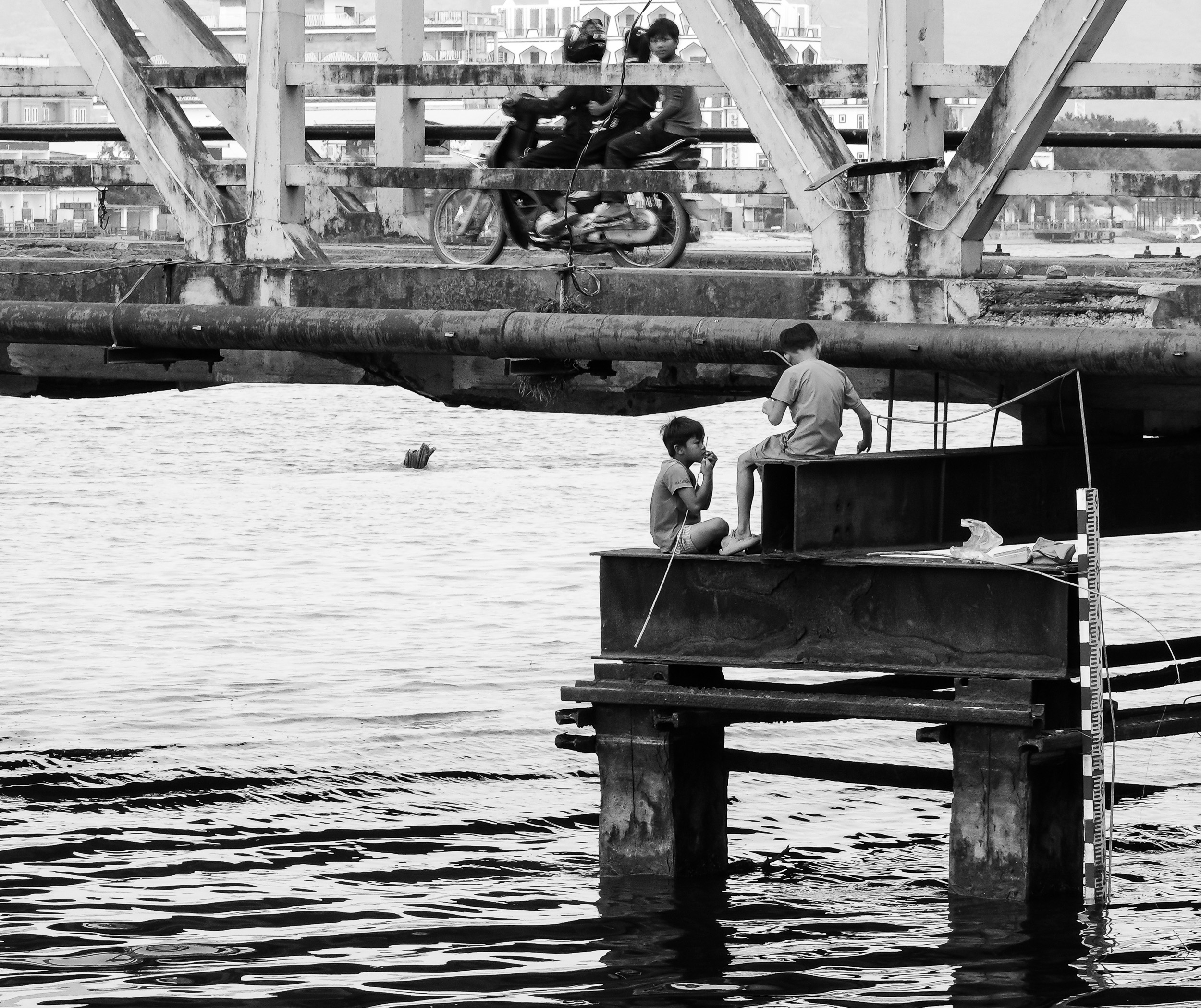
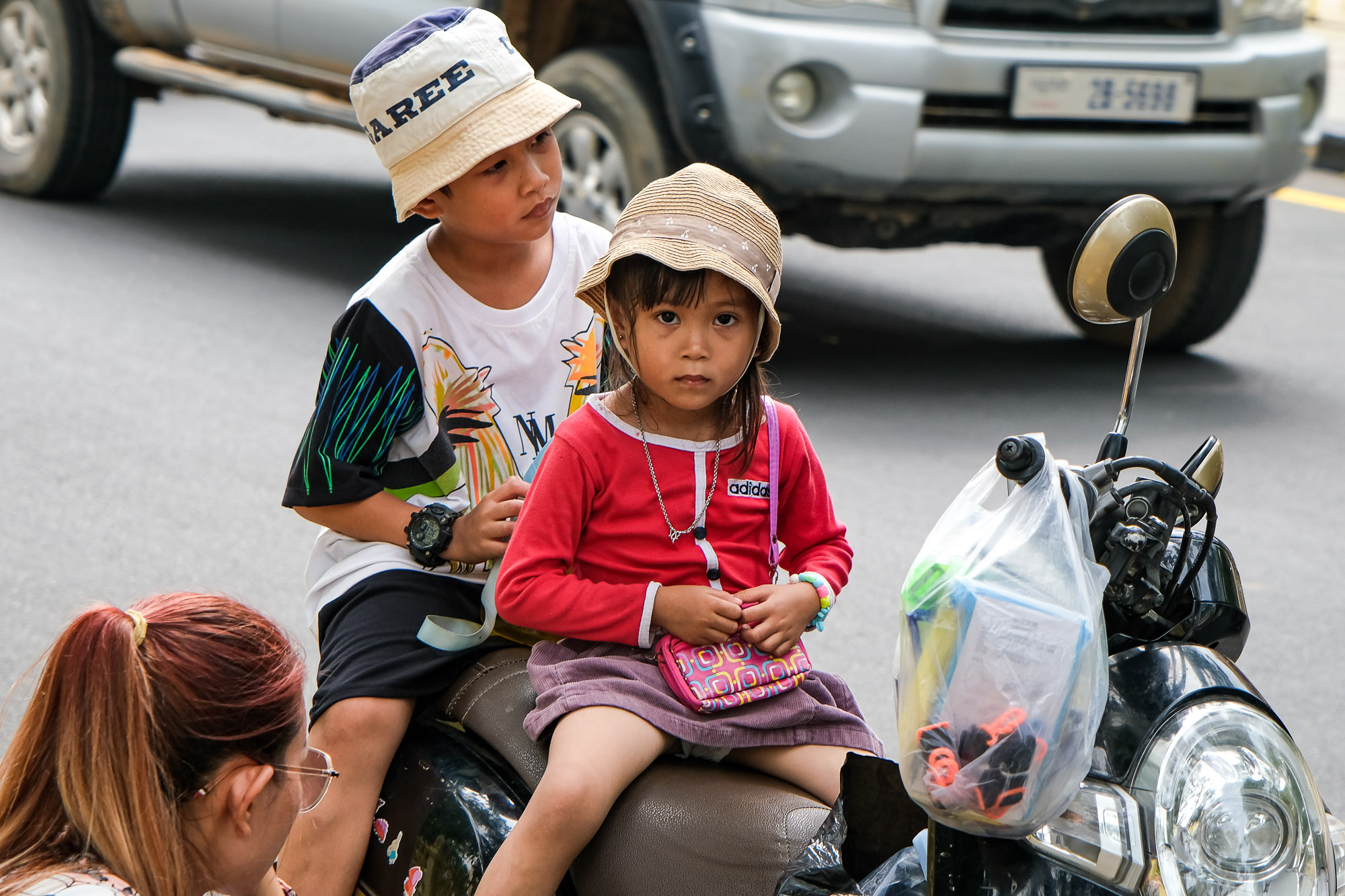
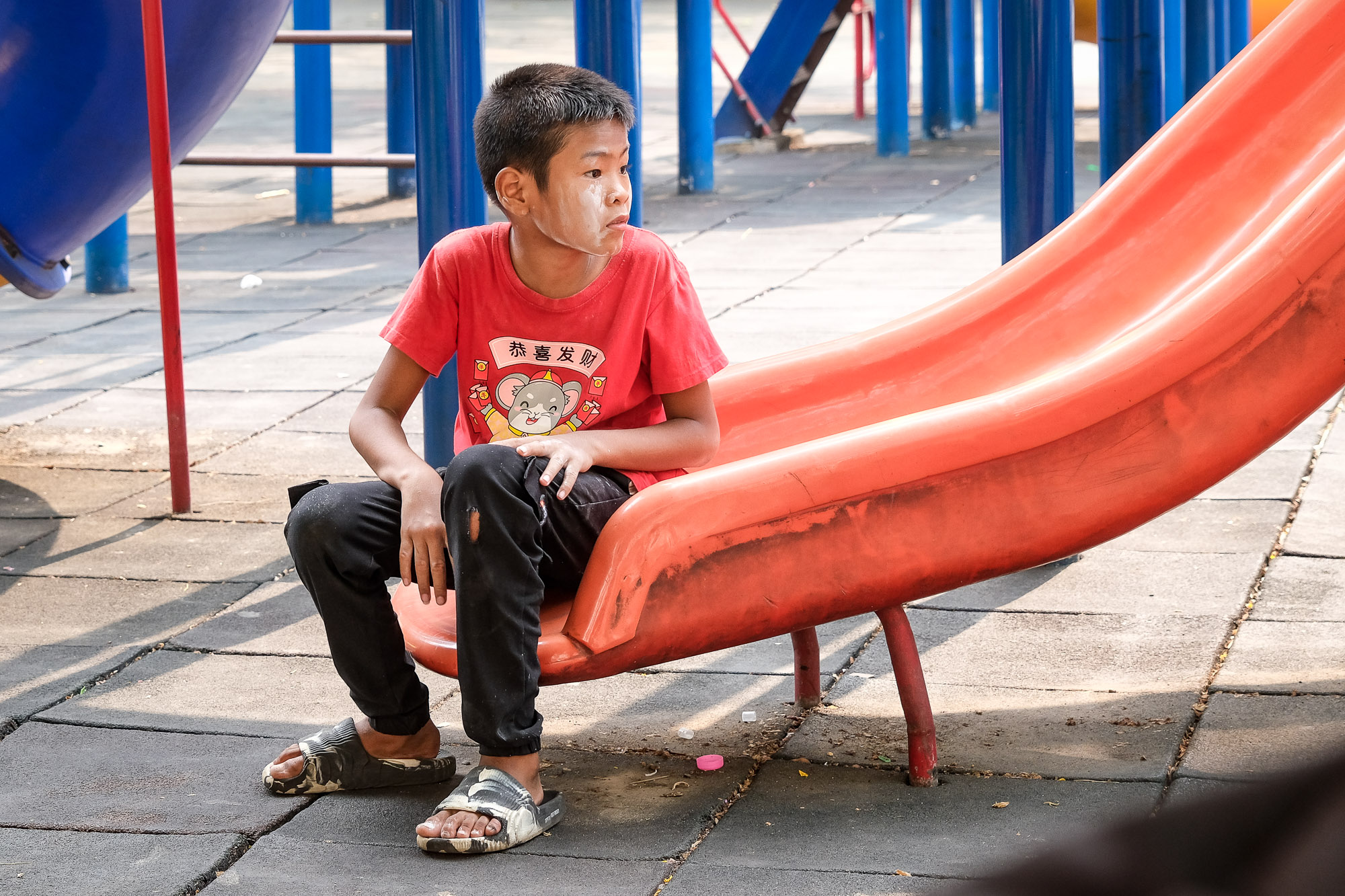
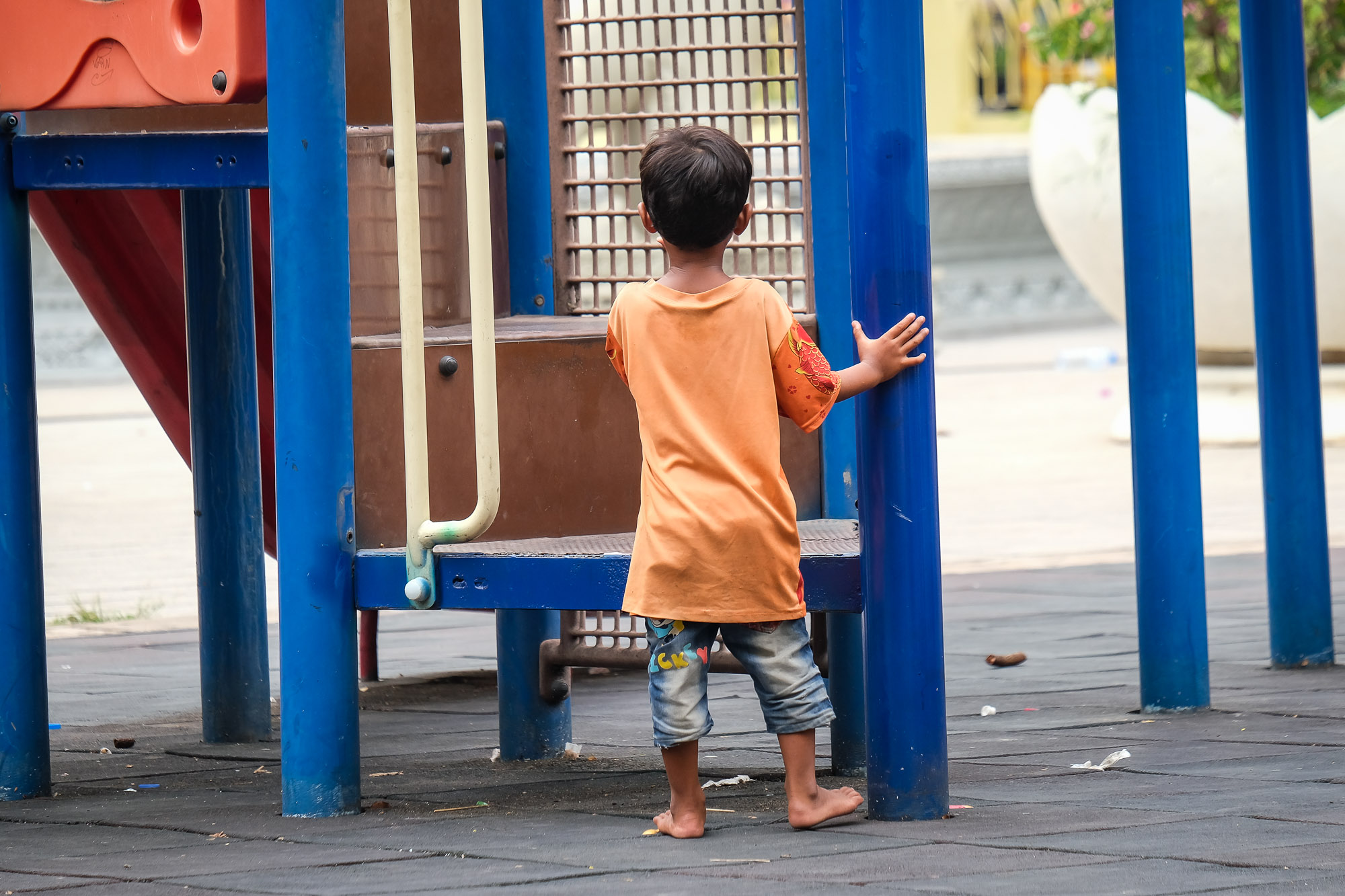
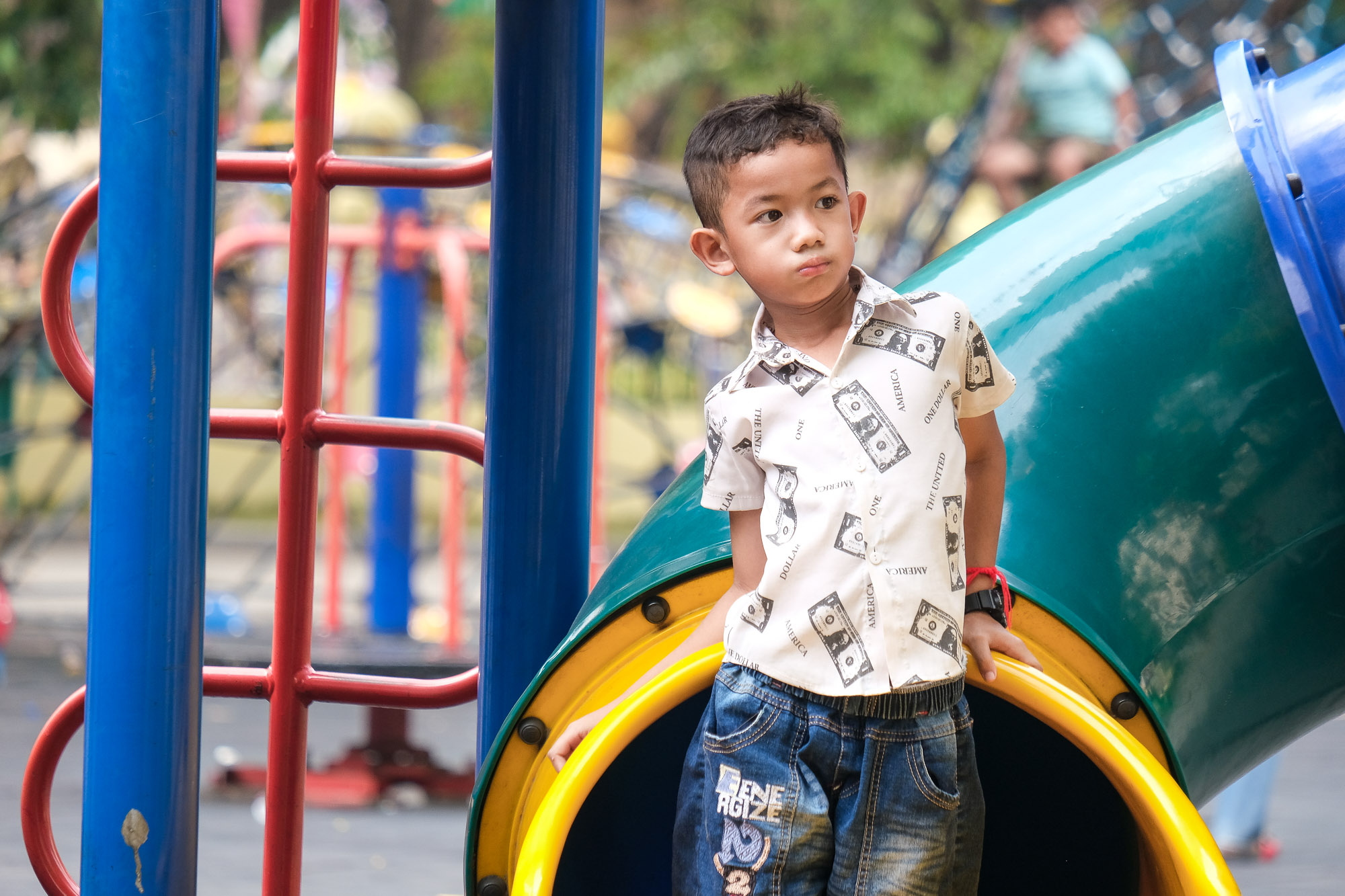
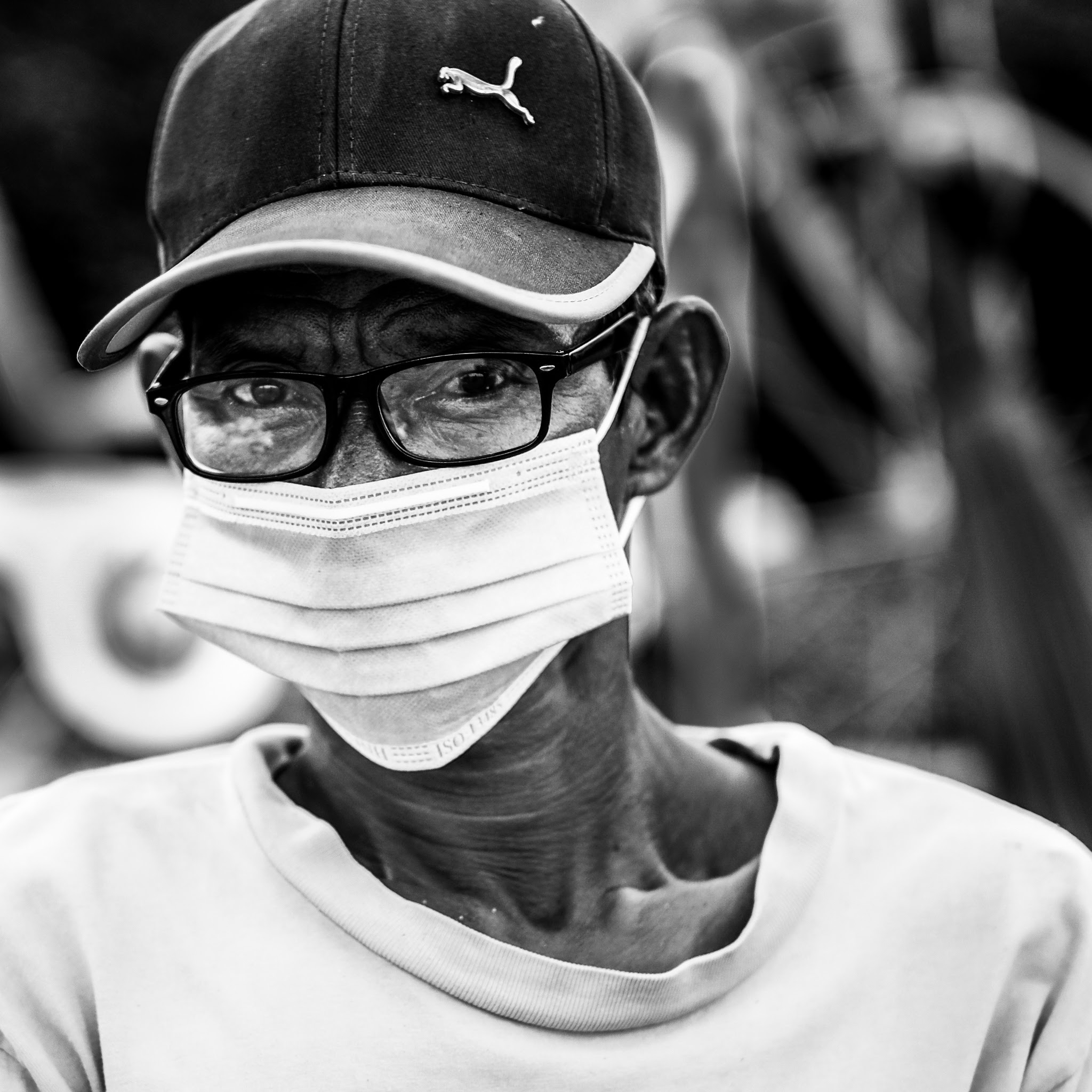
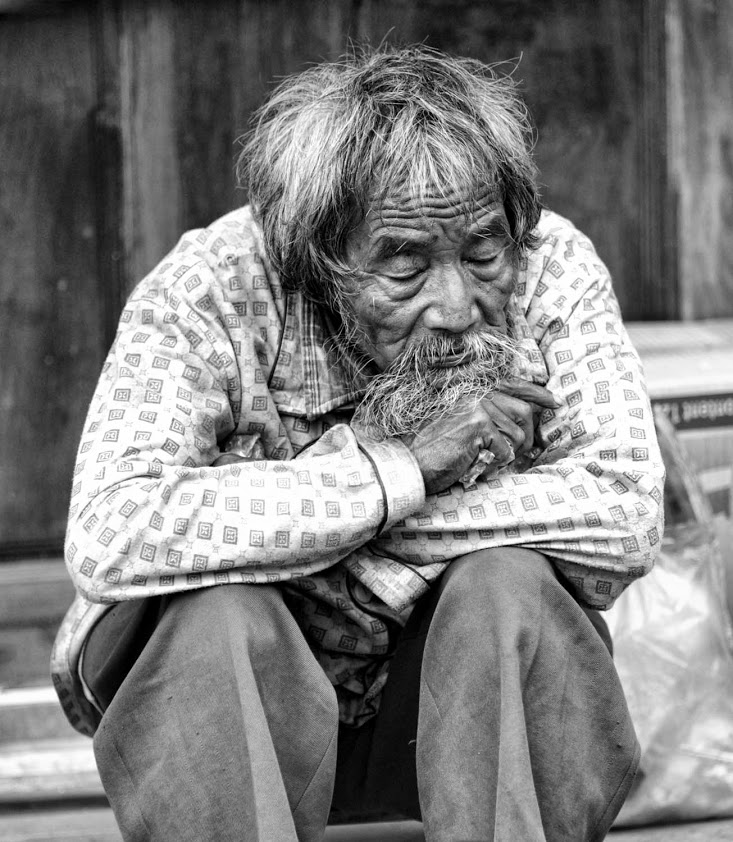
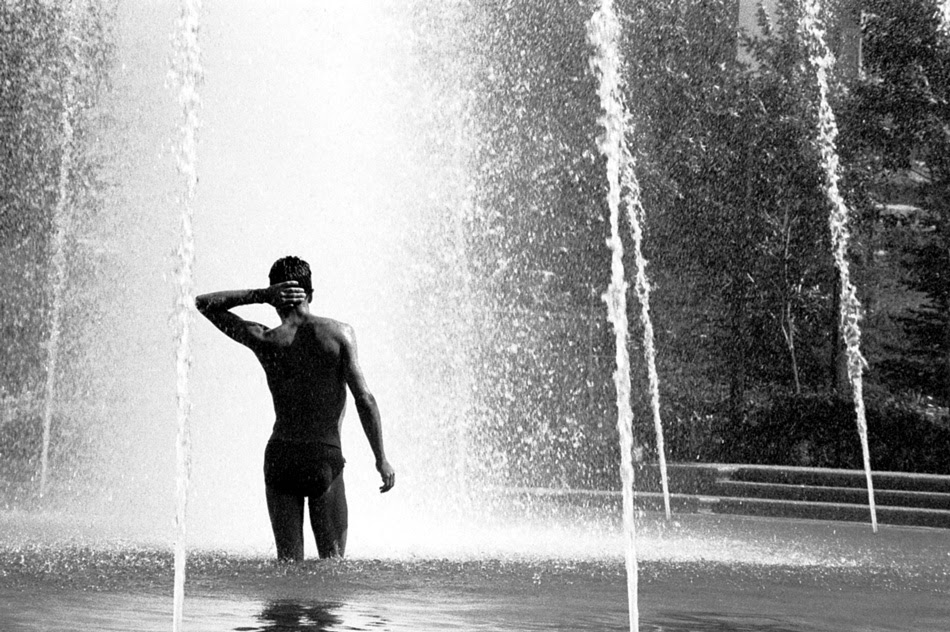
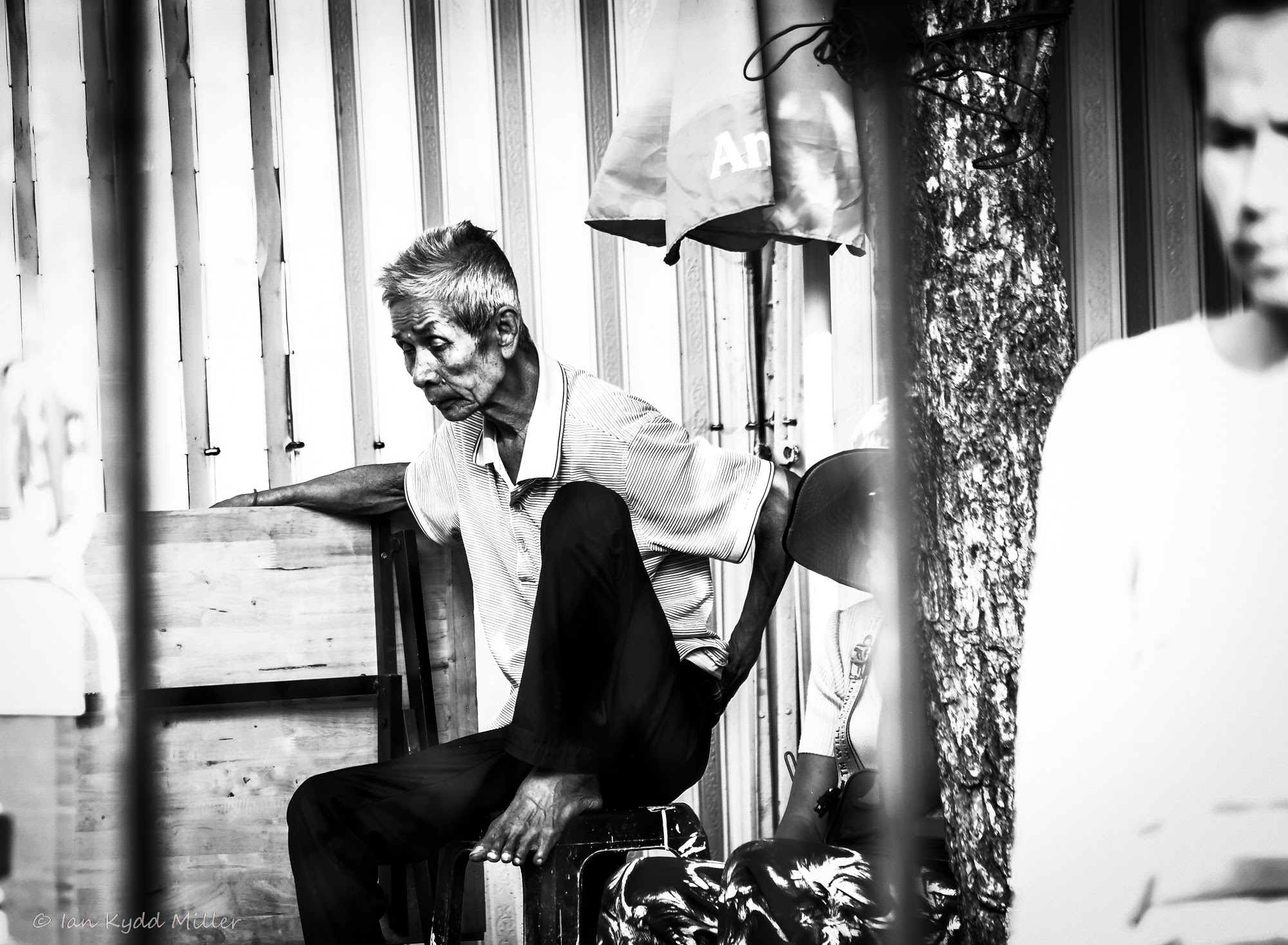
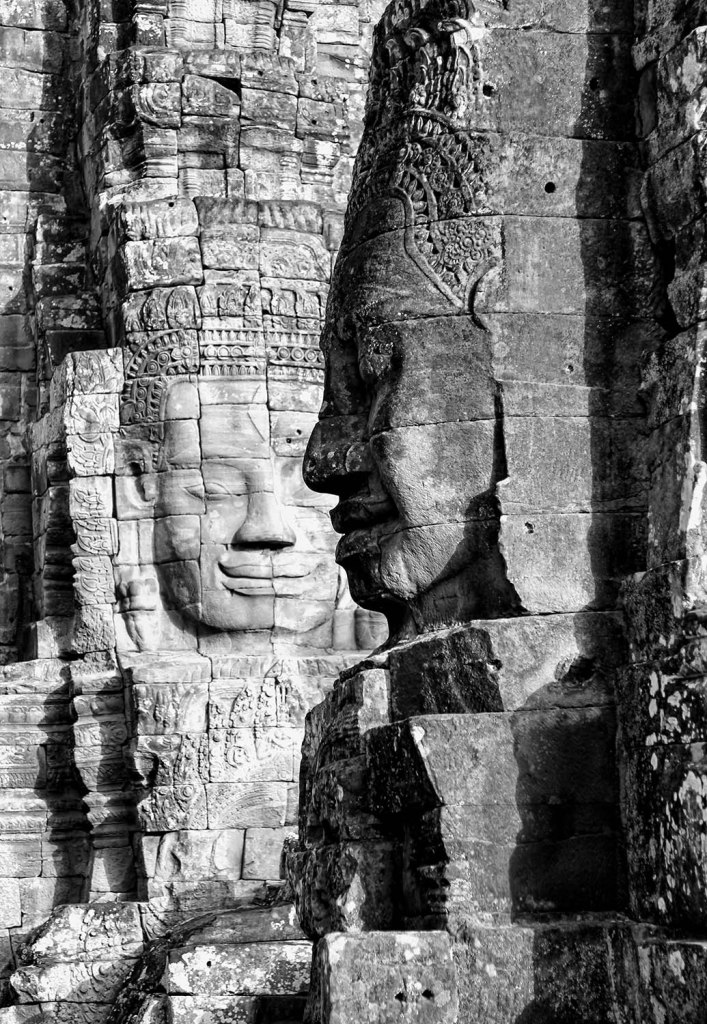
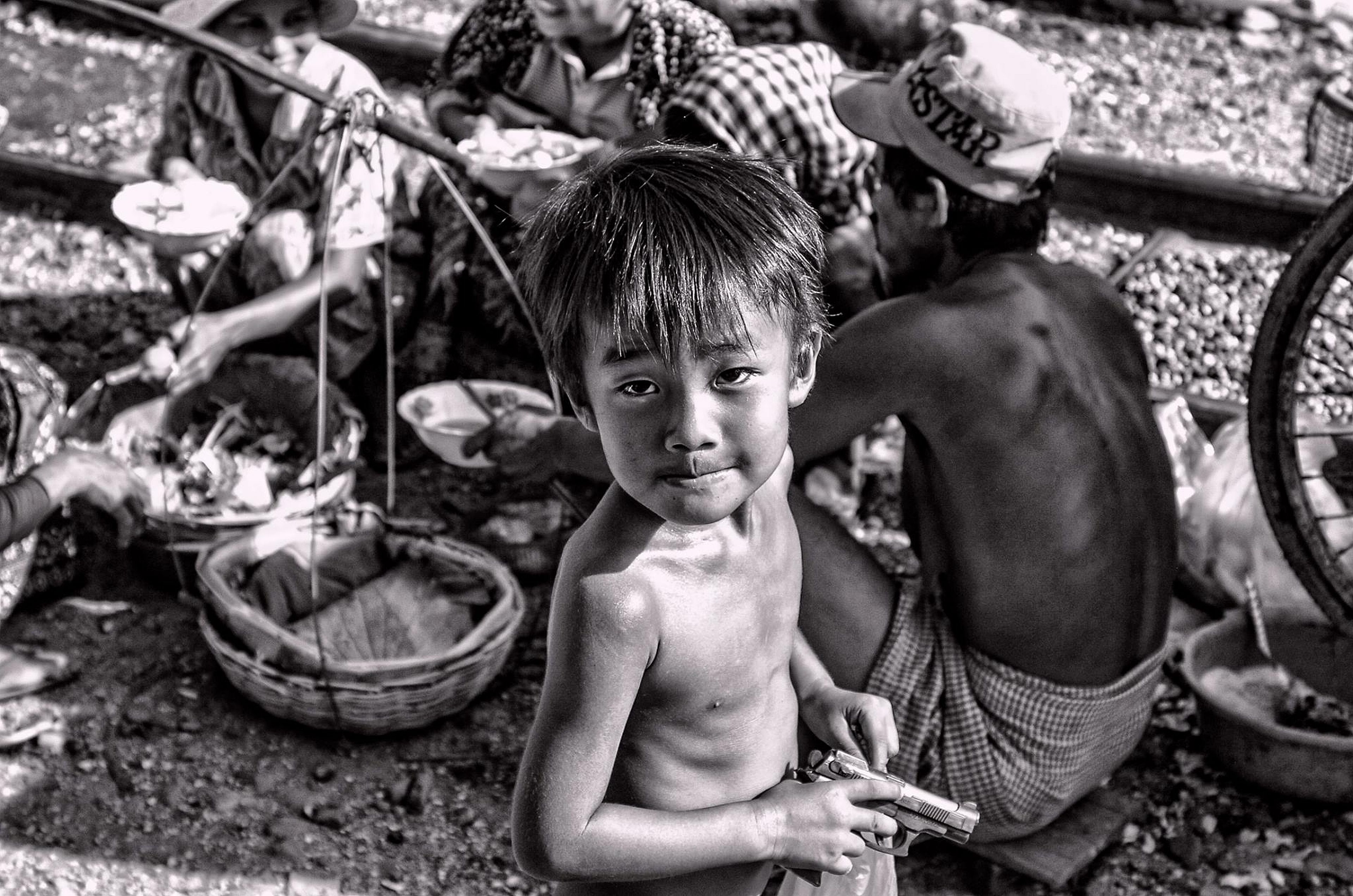
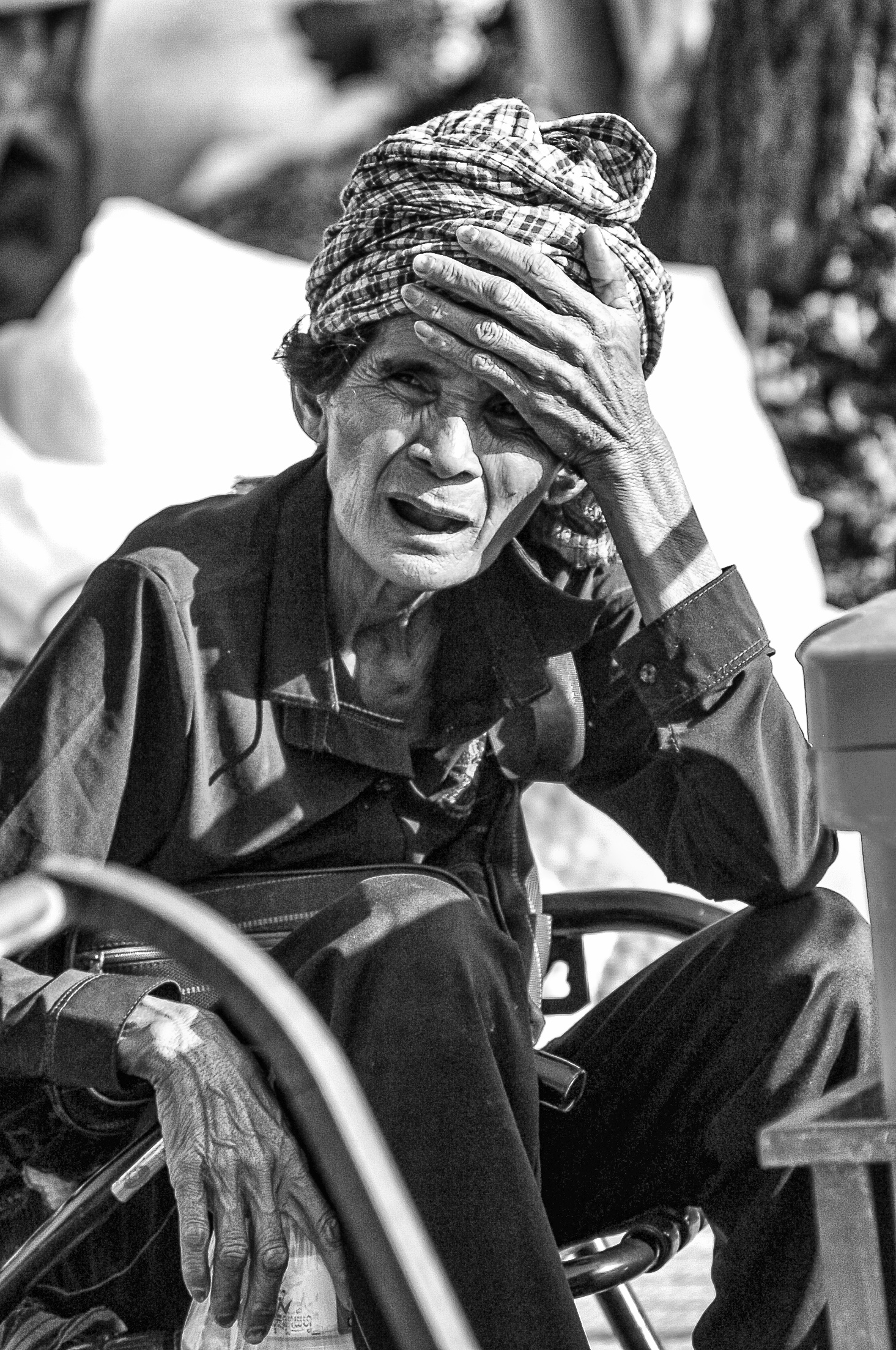
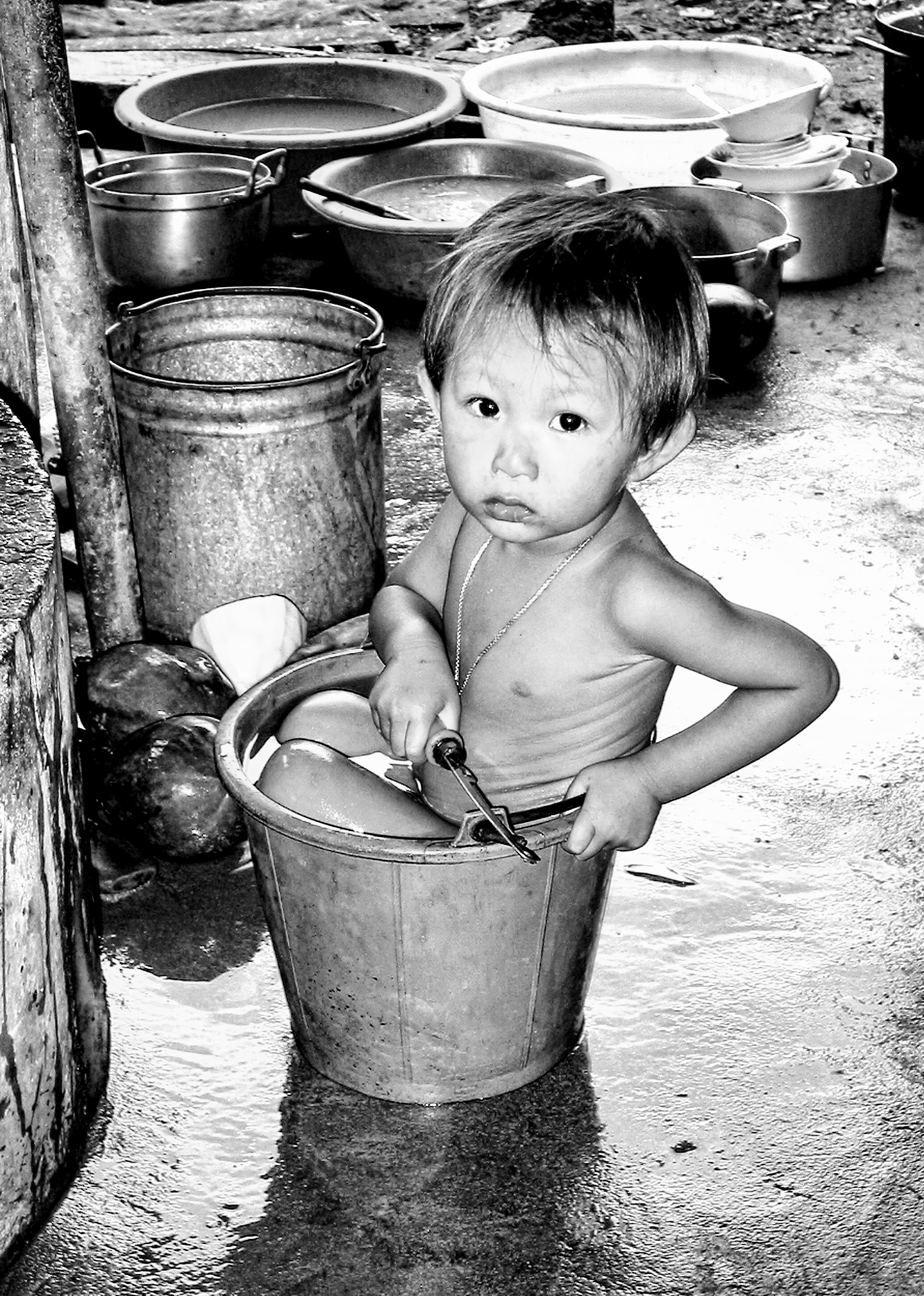
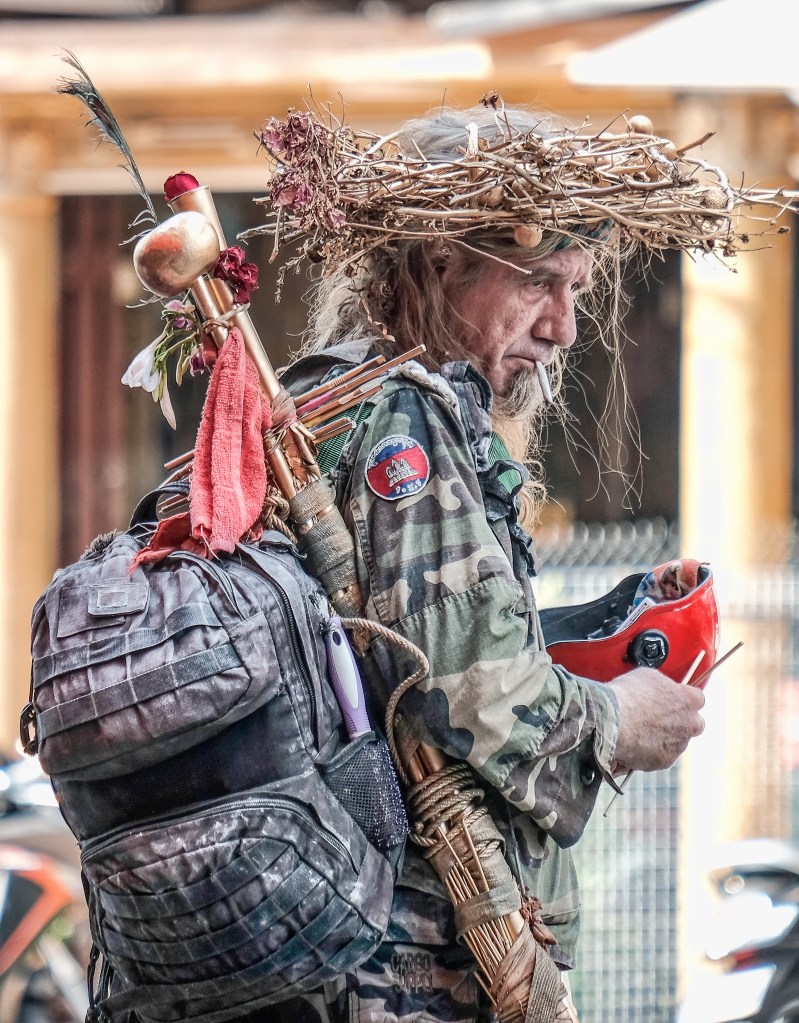
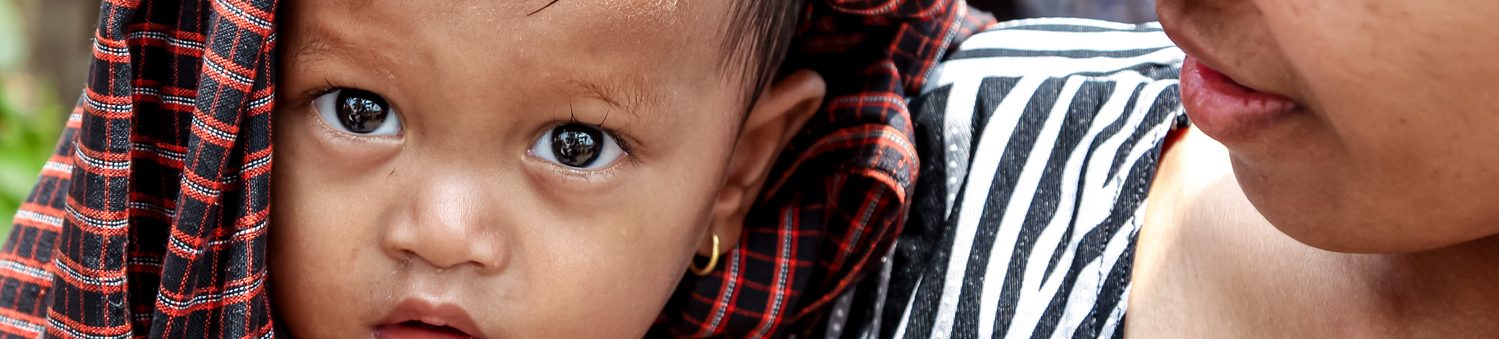
One of my favourite hobbies is creating black-and-white images. I enjoy the process of transforming a colourful picture into a monochrome one, using different techniques and tools. I find that black and white images have a unique aesthetic and mood, that can convey emotions and messages more effectively than color. I also like the challenge of working with shades of grey, contrast, and texture, to create a balanced and harmonious composition. Black and white images are timeless and classic, and they can capture the essence and beauty of any subject.

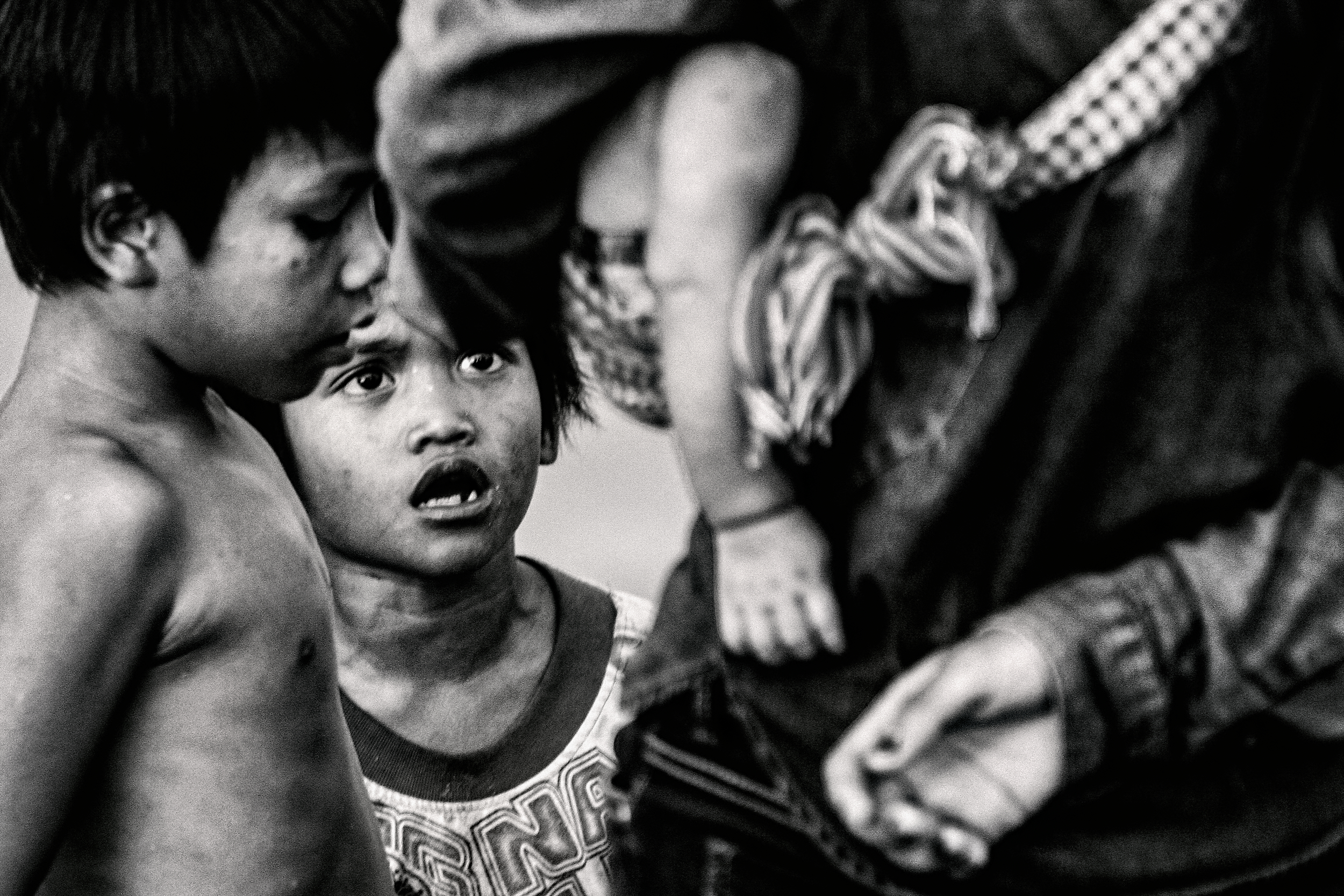
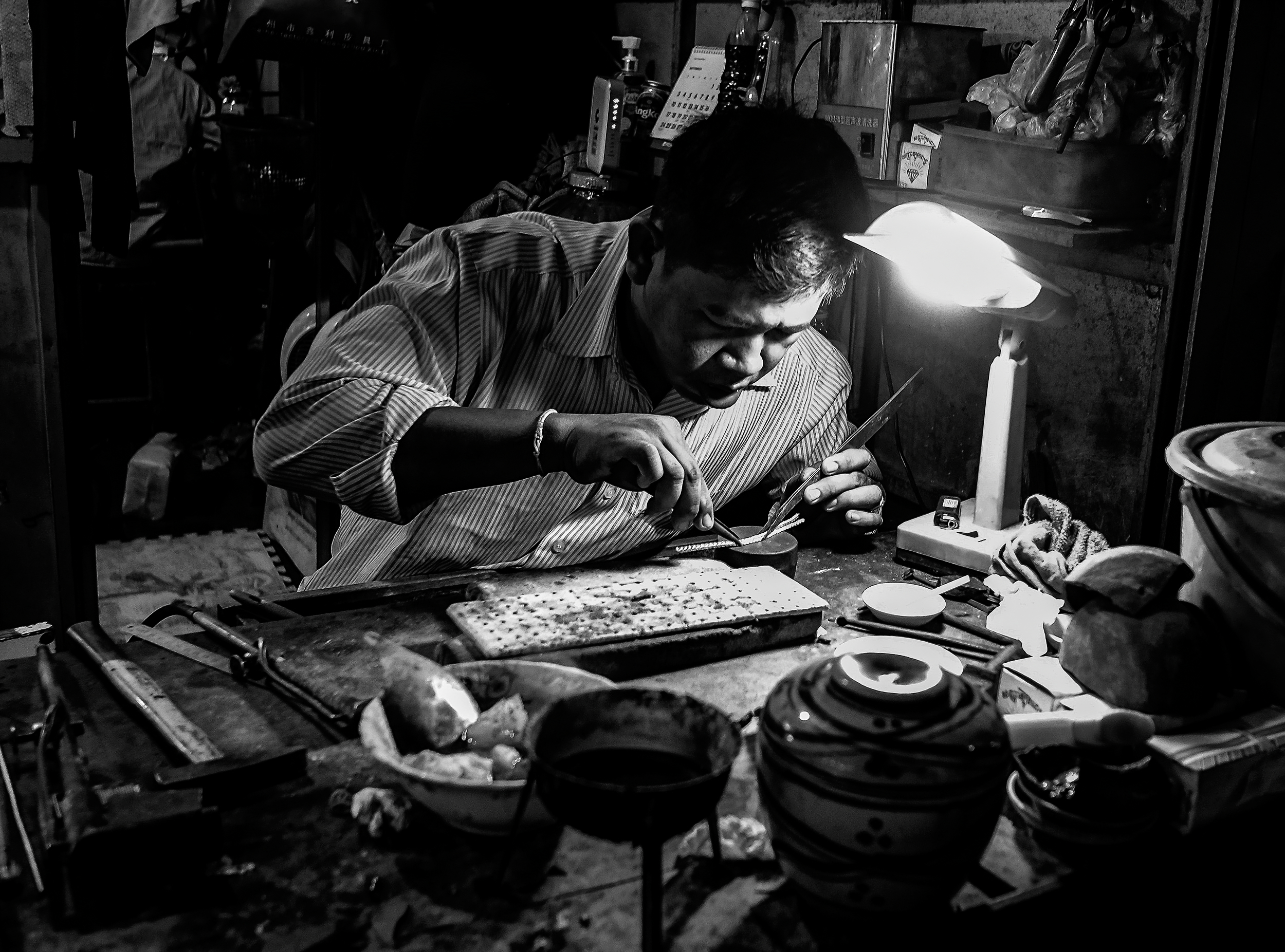
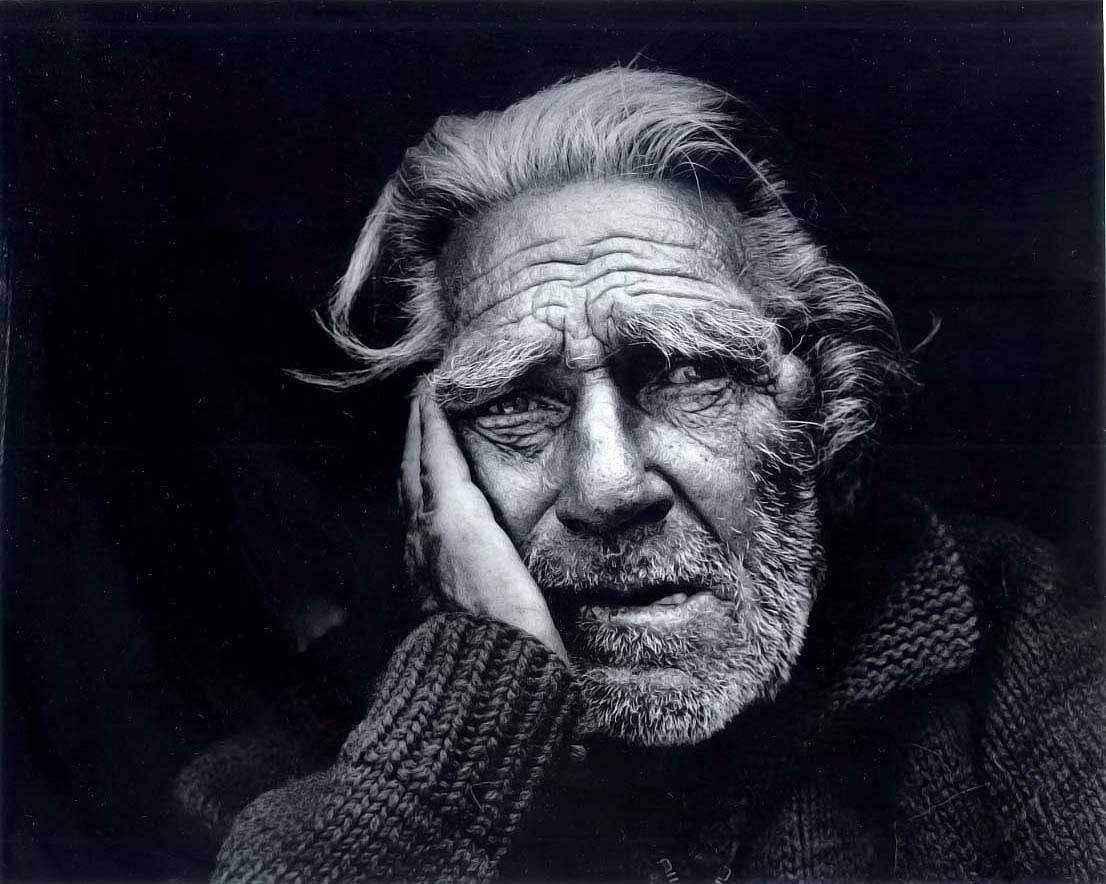
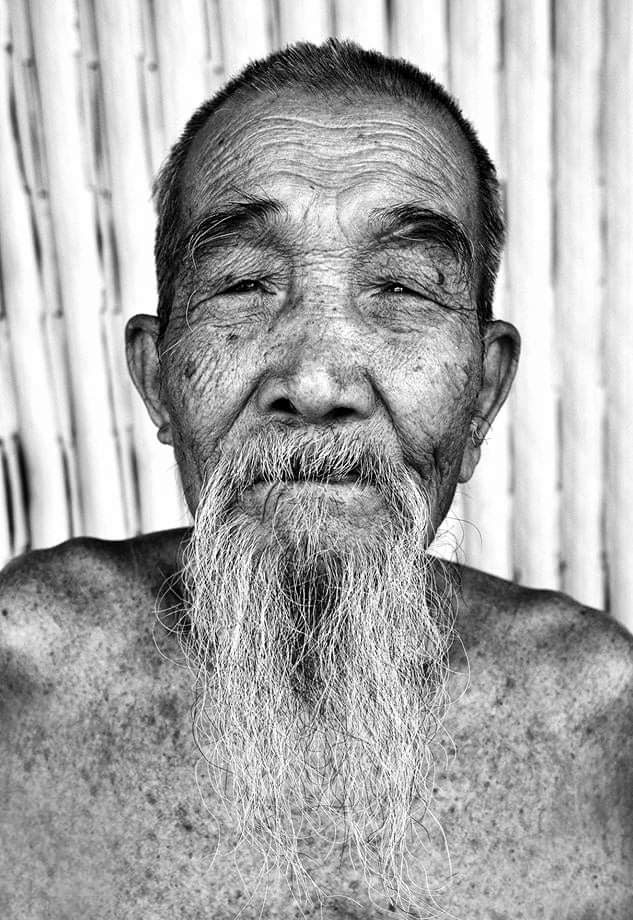
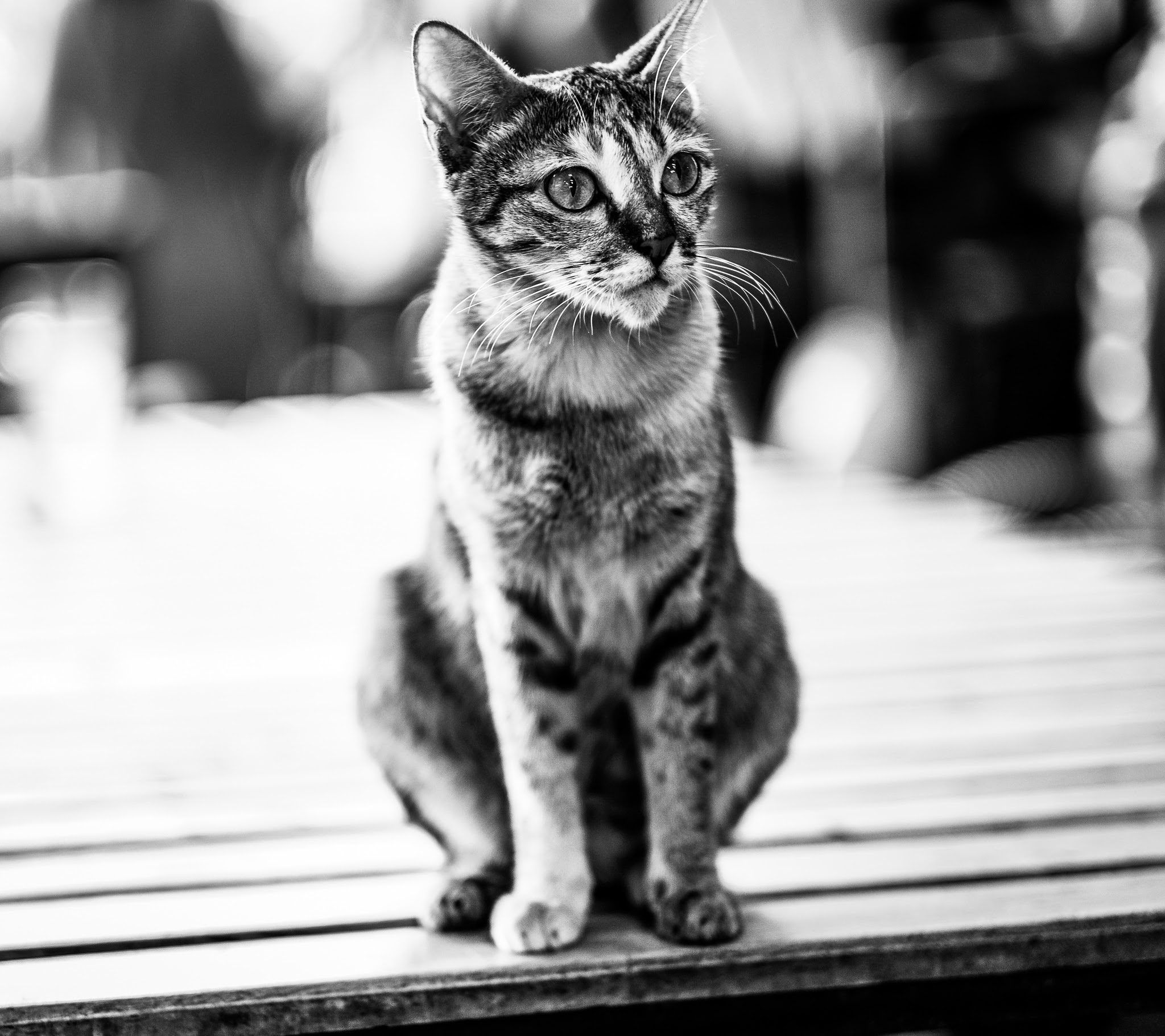
One of the most powerful ways to create a stunning black-and-white image is to use contrast and tones effectively. Contrast is the difference between light and dark areas in an image, and tones are the shades of grey that make up the image. By manipulating contrast and tones, you can enhance the mood, drama, and emotion of your image, as well as draw attention to the main subject and create a sense of depth. But contrast and tones alone are not enough to make a black-and-white image work. You also need good content, which means a strong composition, a clear message, and an interesting story. Content is what gives meaning and purpose to your image, and what makes it stand out from the crowd. Without good content, contrast and tones will not have much impact. Therefore, when you are creating a black-and-white image, you should always consider both the technical and the artistic aspects of your work, and use contrast and tones to enhance your content, not to replace it.

Making a black-and-white image from a digital colour image can be a creative way to highlight the shapes, textures and contrasts in your photos. However, not all colour images look good in black and white. You need to consider some factors before converting your images, such as the tonal range, the subject matter and the mood you want to convey.

One of the easiest ways to convert a colour image to black and white is to use an adjustment layer in Photoshop or a similar photo editing software. An adjustment layer allows you to apply a grayscale conversion without affecting the original image. You can also fine-tune the results by adjusting the brightness and contrast of different colours in your image.

To create a black-and-white adjustment layer in Photoshop, follow these steps:

  1. Open your colour image in Photoshop.
  2. Go to Layer > New Adjustment Layer > Black & White. Name the layer and click OK.
  3. Photoshop will apply a default grayscale conversion to your image. You can see the effect in the Layers panel and on the canvas.
  4. To adjust the grayscale conversion, go to the Properties panel and use the sliders to change the brightness of different colours in your image. For example, you can drag the Red slider to the left to darken the red areas or drag it to the right to lighten them.
  5. You can also use the Auto button to let Photoshop choose the best grayscale mix for your image, or use the Preset menu to select a predefined grayscale mix.
  6. If you want to add a tint to your black and white image, check the Tint box and click on the colour swatch to choose a tint colour.
  7. When you are happy with your black-and-white image, save it as a new file or export it as you wish.

By using an adjustment layer, you can easily convert your colour image to black and white and make it pop with some simple adjustments.

Why I make pictures

cambodia, cameras, Fujichrome, Lenses, opinons, thoughts, photography, pictures, printing, street, Travel

I take photographs because I love capturing the beauty and the emotion of the world around me. I take photographs because I want to share my perspective and my stories with others. I take photographs because I enjoy the challenge and the creativity of finding the right angle, the right light, and the right moment. I take photographs because I feel alive and happy when I hold a camera in my hands.

Photography is more than just a hobby for me. It is a passion, a way of expression, a form of art. Photography is a journey of discovery, of learning, of growth. Photography is a gift that I can give to myself and to others. Photography is my way of saying thank you to life for all the wonderful experiences and memories that it offers me. Photography is my voice, my vision, my expression. It is who I am and what I do. It is why I take photographs.

Fine Art America

opinons, thoughts, pictures, printing, public

Come and visit and find some of my images and art works for sale.

The Alley one of a series. Digital Art by Ian Kydd Miller (fineartamerica.com)

The amazing TOOL I use on EVERY PHOTO in LIGHTROOM

opinons, thoughts, photography, printing, public, Travel

The is one tool I use every time in Lightroom – the graduated filter. It is really powerful and allows you to do more than just create graduations. In this video I explain the multiple ways I use this filter in Lightroom.

BW the content is EVERYTHING

photography, pictures, printing, public

Craving for Content

  1. No colour to distract you, but you still have to make the picture interesting.
  2. The content of the image is not affected by the importance of colour and has to be built on subtle shades of white, grey and black.
  3. The subject is everything, and this is the most challenging part of working in BW.

When I make images I shoot both in colour and BW because this is possible now, but if the image is one that I think will work better in BW I have to think in a different way, and know-how the colours in the image with convert to BW.