
Shooting in RAW means saving the sensor’s unprocessed data so you can shape the final image later. RAW files act like a digital negative: they keep maximum detail, tone, and color information that in-camera JPEG processing would otherwise compress or discard.
What RAW actually contains
- RAW stores linear sensor data with higher bit depth than JPEG, preserving more tonal steps between shadows and highlights. This gives you extra headroom when correcting exposure, recovering highlights, or pulling detail from shadows.
Advantages of shooting RAW
- Greater dynamic range and recovery — You can recover more detail from highlights and shadows because RAW keeps more tonal information.
- Flexible white balance — White balance is not baked into the pixel data the way it is for JPEGs, so you can change it non-destructively in post.
- Superior colour depth and grading — Higher bit depth means smoother gradients and more room for colour grading without banding.
- Non‑destructive edits — RAW editing writes instructions instead of permanently changing pixels, so you can always revert to the original capture.
- Better noise handling — RAW processors can apply more sophisticated noise reduction because they have access to the sensor’s full data.
- More control for critical workflows — Commercial, landscape, and fine-art work benefits from the latitude RAW offers for exacting color and tone control.

Disadvantages of shooting RAW
- Larger file sizes — RAW files are significantly bigger than JPEGs, which increases storage needs and backup complexity.
- Slower workflow — RAW requires post-processing, which adds time to editing and delivery compared with straight-out-of-camera JPEGs.
- Compatibility and portability — RAW formats vary by camera brand and model; some software or older devices may not read every RAW without updates or converters.
- Longer write times and smaller burst buffers — On some cameras, RAW capture can slow burst rate or fill buffers faster than JPEGs, affecting action shooting.
- Need for consistent color management — RAW gives flexibility but demands disciplined color pipelines (calibrated monitor, managed profiles) to get reliable outputs.
When to choose RAW vs JPEG
- Shoot RAW when: you need maximum image quality, plan heavy editing, require reliable highlight/shadow recovery, or are producing work for clients or prints.
- Shoot JPEG when: you need instant turnaround, extreme file economy (long events with limited cards), or when images are destined only for quick social sharing with minimal editing.

Practical workflow tips
- Use RAW+JPEG if you sometimes need immediate, shareable files but still want RAW for archives and editing.
- Cull JPEG previews to speed selection; reserve RAW for final edits.
- Invest in fast, large-capacity memory cards and a reliable backup routine to handle RAW volumes.
- Create camera-specific presets or base edits to speed RAW processing while keeping non‑destructive flexibility.
- Keep your RAW converters updated and standardize on one or two tools (Lightroom, Capture One, or your camera maker’s software) to ensure consistent color and metadata handling.
Short checklist before you shoot
- Do you need maximum dynamic range and color control? → RAW.
- Do you need immediate delivery with no editing? → JPEG or RAW+JPEG.
- Do you have storage and backup planned? → If yes, RAW is safe; if not, plan for it before shooting large volumes.
Shooting RAW is about trading convenience for control. If your work values tonal fidelity, color precision, and future-proof archives, RAW is usually worth the extra planning and processing time.



































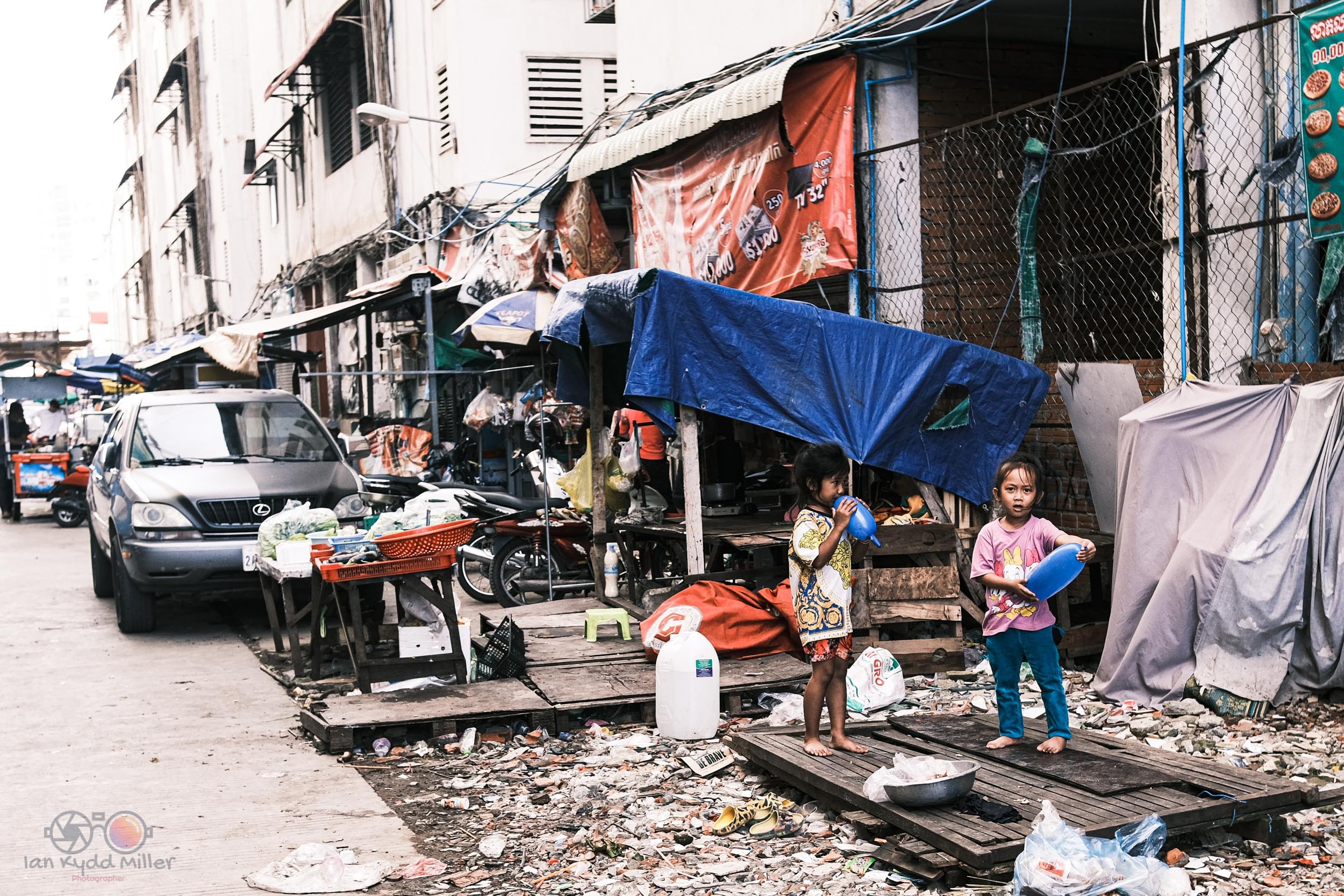
 a world without pictures is like coffee without cream and sugar, bitter